
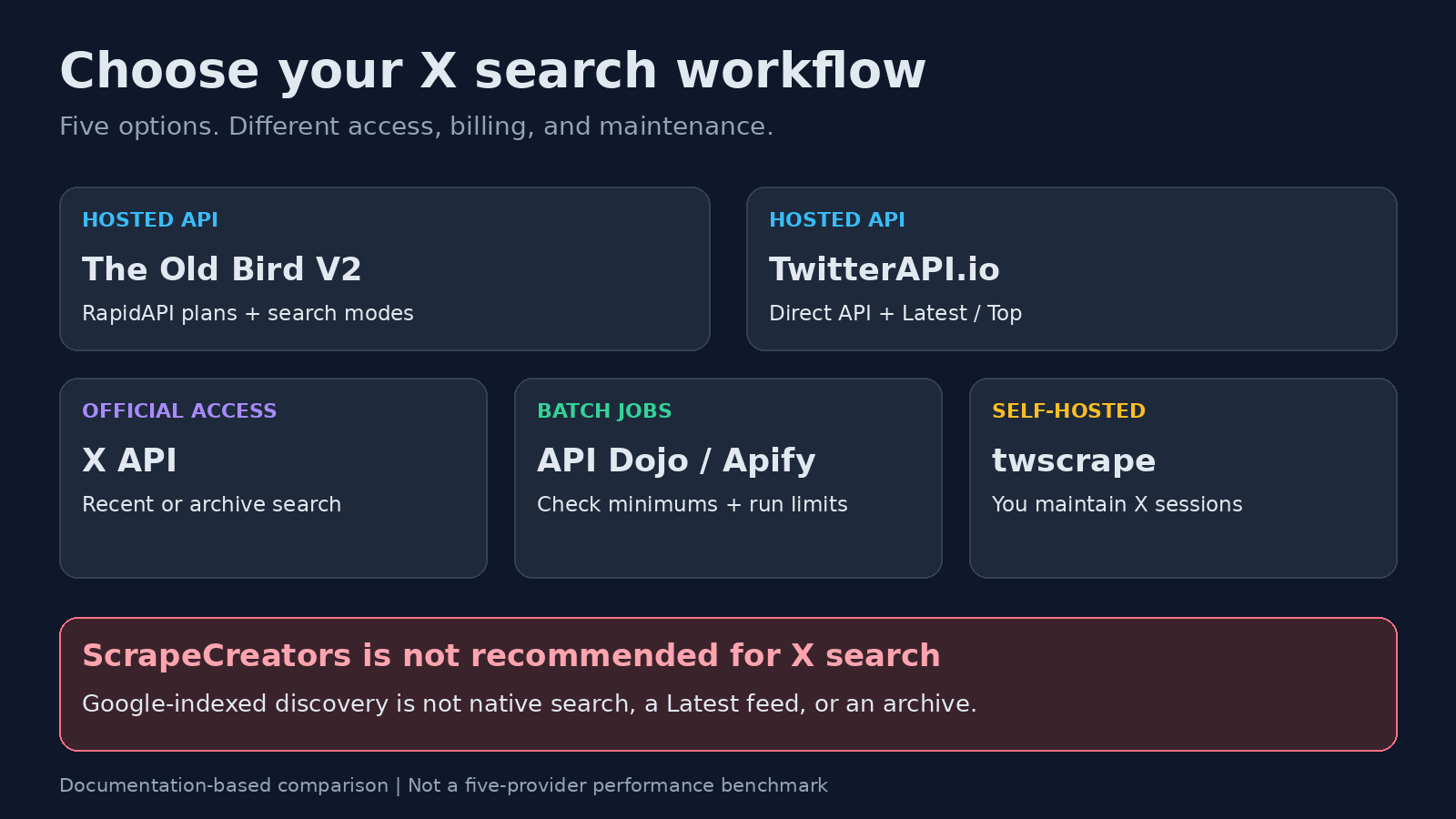
For a Twitter search scraper, start with The Old Bird V2 or TwitterAPI.io if you want a hosted API. Use the official X API when documented recent or full-archive access matters, API Dojo’s Tweet Scraper on Apify for batch jobs, or twscrape for Python collection you maintain yourself. These are different operating models, not interchangeable coverage guarantees.
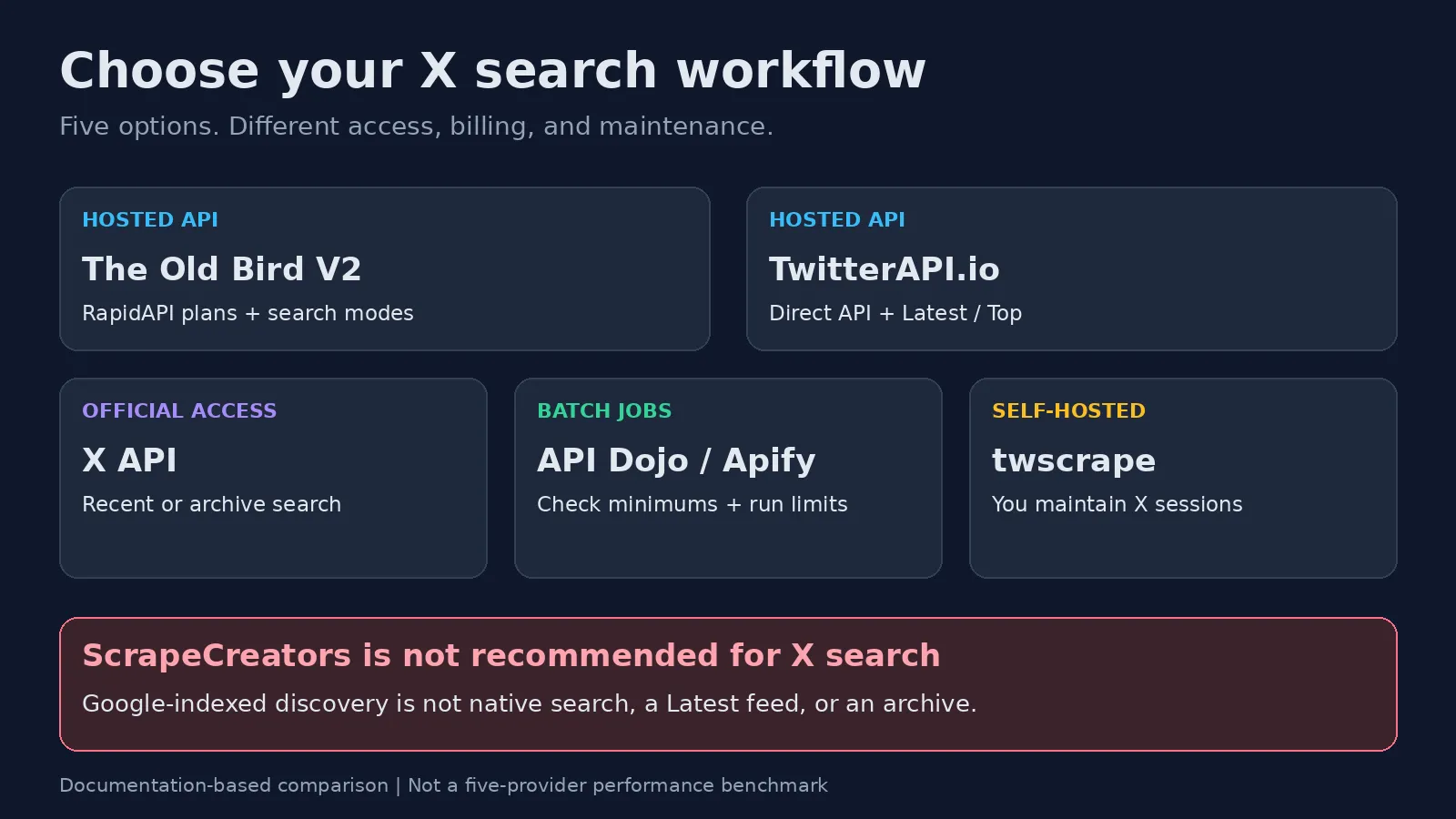
I built ScrapeCreators, but I do not recommend our API for Twitter search. Native X search is behind login. Our Google-indexed discovery endpoint is not a good replacement. This comparison uses primary documentation checked on October 15, 2026; I have not run a paid five-provider benchmark.
Quick decision
| Your requirement | Start with | What to check first |
|---|---|---|
| Search through a RapidAPI subscription | The Old Bird V2 | Search modes, plan quota, rate limits, and overages |
| A direct hosted API with Latest and Top search | TwitterAPI.io | Query syntax, cursor handling, and per-request minimum charge |
| Official recent or historical search access | X API | Developer access, archive eligibility, and resource billing |
| Batch searches with saved datasets | API Dojo Tweet Scraper on Apify | Minimum results per query and restrictions on repeated runs |
| A Python collector you control | twscrape | Authorized accounts, saved sessions, and maintenance |
This article is about finding posts from a query. If you already have handles and need account records, use the profile-only buyer guide. For a wider mix of profile, post-detail, and collection tools, see the general Twitter scraper comparison.
Why ScrapeCreators is not on this list
A product accepting a query parameter does not make it a good search product.
Our Twitter Search Posts endpoint discovers public post URLs through Google and retrieves available details. It does not search the native logged-in X results. Google’s index determines which URLs it can discover, so the results are not a Latest feed or a dependable historical collection.
That can be useful for occasional indexed discovery. It is not what I would choose to build a Twitter keyword-search product. The separate ScrapeCreators Twitter API still covers other public-data jobs; that does not make every Twitter use case a fit.
Keep this distinction when comparing any provider. Official API search, a hosted third-party search service, and Google-indexed discovery may accept similar words while returning different sets of posts. Ask what the source is before comparing the price.
The five options
1. The Old Bird V2: for a RapidAPI search integration
The Old Bird V2, published by Data Hungry Beast, belongs on the shortlist for a hosted Twitter search API. Its current overview advertises Top, Latest, Videos, Photos, and People search modes. For a post dataset, choose a post-oriented mode rather than mixing user-search results into the output.
The current Search playground shows a required query plus optional section, limit, and cursor parameters. Confirm the accepted section values in the live playground rather than copying another provider’s queryType field.
It is sold through RapidAPI with Basic, Pro, Ultra, and Mega plan options. Check the current plan’s request allowance, rate limit, and overage terms before subscribing. A monthly price alone does not tell you how much a multi-page search will cost.
I would evaluate it if I already use RapidAPI and want a search service rather than an account-session collector to maintain. Its marketplace latency and service-level badges are not a benchmark I ran or proof of historical completeness.
2. TwitterAPI.io: for a direct hosted search API
TwitterAPI.io’s Advanced Search documentation describes GET /twitter/tweet/advanced_search, authenticated with an X-API-Key. It accepts query, queryType set to Latest or Top, and a pagination cursor. The response documents tweets, has_next_page, and next_cursor.
One detail matters for date-window integrations: the docs show since_time and until_time Unix-time query operators and explicitly warn that the older underscore-formatted UTC timestamp syntax is unsupported. Verify the exact syntax instead of copying an old tutorial.
Its pricing page lists a base rate of $0.15 per 1,000 returned tweets, with a $0.00015 minimum per request, including empty searches. Optional subscriptions add credit benefits; the quoted base rate does not assume them.
This is a shortlist candidate for applications wanting direct HTTP requests and explicit Latest/Top selection. It is an independent third-party service, not X’s official API. I have verified its documented contract, not measured its uptime, coverage, or speed against the others.
3. The official X API: for documented recent and archive access
The official search documentation distinguishes two endpoints:
GET /2/tweets/search/recentsearches the last seven days, with up to 100 posts per request.GET /2/tweets/search/allsearches the archive back to March 2006, with up to 500 posts per request. X documents access for pay-per-use and Enterprise customers.
You need developer access and app credentials. This is my starting point for research where a documented time range and official query contract matter more than avoiding developer setup.
The current pricing page uses prepaid, pay-per-use credits, not the old fixed monthly tiers. It lists post reads at $0.005 per returned resource. Other resource types can add charges. Check current endpoint rates and your access in the Developer Console before budgeting.
Official access does not mean private or deleted material is available, or that a query automatically produces a complete research corpus. You still need pagination and a coverage check. If you only need mention totals, evaluate the official counts endpoints rather than automatically downloading every post body.
4. API Dojo Tweet Scraper on Apify: for batch search jobs
API Dojo’s Tweet Scraper accepts searchTerms, supports Latest and Top sorting, and writes results into an Apify dataset. Its documentation shows keyword, author, language, and date-window queries. That makes it a candidate when a saved batch output is more useful than a small synchronous response.
Read the restrictions before building around it. The current README specifies a minimum of 50 tweets per query, one concurrent run, and up to five batched queries. It says not to repeatedly run the same query at short intervals and excludes single-post and conversation/reply scraping from this Actor’s intended use.
Those are restrictions of this specific Actor, not every Twitter scraper on Apify. The provider points smaller or more flexible jobs to a different Actor. Check its separate pricing and contract if you switch; they are not interchangeable configurations.
Choose this for suitable batch searches. Do not choose it for frequent polling of a rare phrase. Inspect the current Pricing tab and run estimate rather than assuming an old comparison table is the all-in bill.
5. twscrape: for Python collection you maintain
twscrape is an asynchronous Python library and CLI for X search and other GraphQL operations. It uses your own authorized accounts, saves sessions, and returns parsed models or raw responses.
Its current README recommends cookie-based setup. Search defaults to Latest, with Top and Media alternatives. The library handles account/endpoint rate-limit state, but that does not remove X’s limits or the work of maintaining valid sessions.
Choose it if owning the collector is a requirement and you have someone to maintain it. A hosted provider’s bill becomes your runtime, proxy costs where applicable, session maintenance, and engineering time. Keep cookies out of repositories and shared workflow exports.
The README also distinguishes a requested result limit from a guaranteed page size. Build around returned records and actual stopping behavior, not an assumption that every requested batch has the same number of posts.
Compare cost units, not headline prices
| Option | Cost model to evaluate | Pilot question |
|---|---|---|
| The Old Bird V2 | RapidAPI plan allowance and overages | How many billable requests does my search consume? |
| TwitterAPI.io | Returned tweets with a per-request minimum | What do sparse and empty searches cost? |
| Official X API | Returned resources and endpoint-specific charges | Which resources will this request bill? |
| API Dojo on Apify | Current Actor pricing and platform plan requirements | Does my batch meet this Actor’s restrictions? |
| twscrape | Infrastructure and maintenance | Who owns failed sessions and upstream changes? |
For a fair pilot, record money spent, returned rows, unique post IDs, relevant posts, and posts inside the required window. A low price per returned row can still be expensive if most rows are duplicates or outside your requirement. Do not assign a cost-per-useful-post winner before running that check.
A documented search request
This example follows TwitterAPI.io’s current documented parameters. It is not an executed benchmark. Set the environment variable privately before running it.
curl --get "https://api.twitterapi.io/twitter/tweet/advanced_search" \
  -H "X-API-Key: $TWITTERAPI_IO_KEY" \
  --data-urlencode 'query="ai agents" lang:en' \
  --data-urlencode 'queryType=Latest'
Read tweets, inspect has_next_page, and pass the returned next_cursor as cursor with the same query for the next request. Keep a page budget and stop on the documented end condition. Store post IDs as strings and deduplicate across pages and repeated runs.
Do not reuse this request’s query syntax blindly with the official API or another scraper. Similar search interfaces can have different operators, authentication, and response fields.
Checks before you buy
Use your actual collection requirement for the pilot, not a popular keyword that almost every tool can return something for.
- Identify the source. Ask whether the service searches X or discovers URLs through a search-engine index.
- Check dates and ordering. Inspect returned timestamps, including posts near the edges of your required window. A Latest label is not proof of zero delay.
- Test a second page. Count unique IDs, detect repeated cursors, and impose a maximum page budget.
- Check the data grain. A post, a reply count, a reply record, and an author profile are different outputs.
- Check the empty case. Sparse searches may still cost money or violate a batch tool’s minimum requirements.
- Set a failure rule. An HTTP 200 or completed job without useful records should not pass your own acceptance check.
Also review the provider’s terms and your data-handling obligations. Technical access alone is not permission for every downstream use.
Frequently asked questions
What is the best Twitter search scraper?
The Old Bird V2 and TwitterAPI.io are hosted API candidates. The official X API is the starting point for documented recent/archive requirements. API Dojo on Apify fits batch jobs, and twscrape fits maintained Python collection. This list does not establish a measured reliability winner.
Is ScrapeCreators a good choice for Twitter search?
No. Our endpoint uses Google-indexed discovery because native search is behind login. I would not recommend it for a Twitter keyword-search product, Latest feed, or historical collection.
Is TwitterAPI.io the official X API?
No. It is an independent third-party service. X provides the official API, with separate access, endpoints, and billing.
Can a Twitter search scraper guarantee every matching post?
Do not infer completeness from a date filter or cursor. Require evidence for the source, historical coverage, and the exact query you need. Describe a sample as a sample.
Does a reply count include the actual replies?
No. A numeric count is not reply text. Require actual reply records and parent IDs if your workflow needs conversation analysis.


