
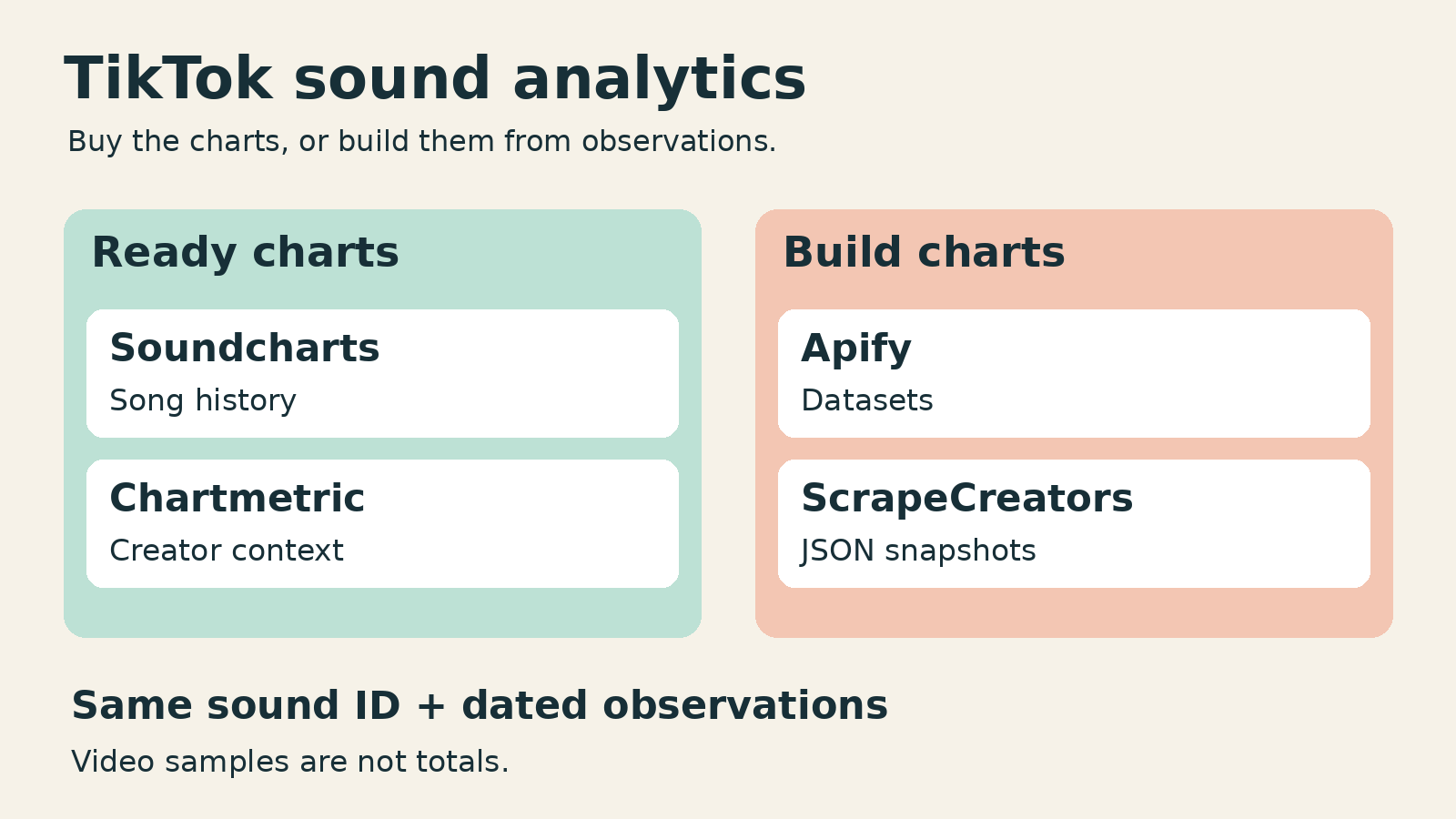
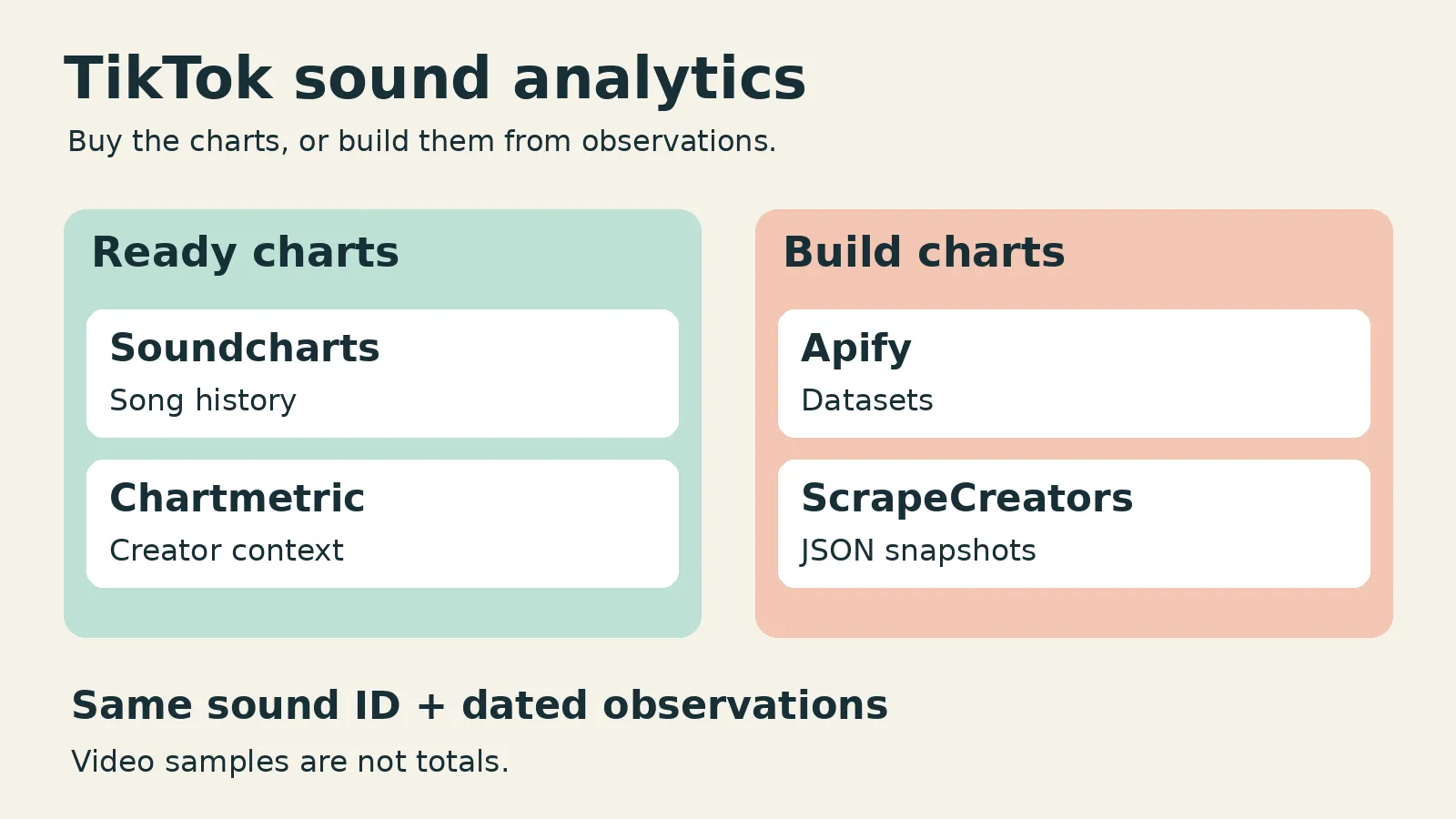
For TikTok sound analytics, shortlist Soundcharts if you want song-usage history and music-market charts, or Chartmetric if you want sound growth alongside creator and artist research.13 Use Apify for scheduled video datasets, and ScrapeCreators when you want raw sound counts and video records inside your own application.589 The last two collect data; you still build the history, calculations, and dashboard.
I run ScrapeCreators. If you want a finished music analytics screen rather than another engineering project, I would start with a dashboard, not my API.
Product pages, prices, documentation, and the live requests below were checked on October 23, 2026. This is a buyer shortlist, not an accuracy or reliability benchmark.
Quick comparison
| Tool | Choose it for | Cost basis checked October 23, 2026 | What you still need to check |
|---|---|---|---|
| Soundcharts | Song-usage history and wider music context | Dashboard: $10/month for one artist, $49 for ten, PRO $129; TikTok charts are a PRO feature | Whether your song and sound versions have the history you need |
| Chartmetric | Sound growth, leading creators, and artist research | Manager $60/month, or $480/year; Premium $150/month | Artist limits and the exact research features included in your plan |
| Apify, using Clockworks’ sound Actor | Scheduled collections and spreadsheet-ready video rows | Video event: $5/$4/$3/$2 per 1,000 on Free/Starter/Scale/Business | Plan commitment, extras, sample coverage, and your own analysis |
| ScrapeCreators | A custom sound tracker built from JSON | $47 prepaid for 25,000 credits; the successful detail and video-page checks below cost one credit each | Storage, scheduled collection, sound identity, and incomplete pages |
These are different purchases: a dashboard subscription, an Actor’s billed events, and prepaid API requests. A video row is not a request, and neither buys the same thing as an analyst-ready chart.24610
1. Soundcharts for song history and music context
Soundcharts is the first option I would inspect for a music team that wants to see whether a song’s TikTok usage is growing without collecting every observation itself. Its TikTok page describes video-creation counts over time, follower growth, chart positions, and alerts. It says these TikTok data update daily, despite using real-time wording elsewhere on the page. Budget around the stated update cadence, not an assumed live firehose.1
The useful buying test is specific: open one of your tracks, find its associated sound versions, and inspect the dates and gaps. A broad platform-coverage statement does not establish that your particular release has a complete history.
The pricing distinction matters. The one-artist dashboard is $10 monthly, ten artists cost $49, and PRO costs $129. The comparison grid puts TikTok charts in PRO, not the two smaller plans. Developer API access is also advertised separately from $50 monthly for 10,000 queries. Do not assume the cheapest artist dashboard includes every discovery feature or that its subscription buys an interchangeable API allowance.2
Choose Soundcharts when historical context is worth more to you than control over every collected row. Choose another route when you need to own a custom collection workflow or cannot verify the required coverage in its interface.
2. Chartmetric for creator adoption and artist research
Chartmetric connects sound usage with leading videos, creators, artist activity, and broader music research. Its TikTok page describes sound velocity, post counts, performance averages, and creator geography where available. That makes it a sensible shortlist for a manager asking not just whether a sound grew, but who helped it spread.3
Current Manager pricing is $60 monthly or $40 per month when paid as $480 yearly. Manager includes premium data for ten artists and basic access elsewhere. Premium is $150 monthly or $1,404 yearly. The default pricing view shows annual equivalents, so check the billing switch before comparing it with a monthly invoice. The TikTok feature page lists Manager, Premium, and Ultra, but that does not mean their broader research access is identical.34
I reviewed an older Chartmetric walkthrough and its comments during research. Viewers asked about features being behind different plans and what the data actually helped them do. I used that as a reason to check today’s plan boundaries, not as evidence of today’s prices or service quality.15
Choose Chartmetric when creator and artist context belongs in the same research session. Before paying, reproduce your actual task in the trial: select the artist, locate the sound, inspect leading creators, and confirm the history or export you need. A feature name on a landing page is not a completed workflow.
3. Apify for scheduled sound-video datasets
Apify is useful when you want a collection job and a file or dataset rather than a finished music dashboard. Clockworks’ TikTok Sound Scraper takes sound URLs and returns videos using them, with video, music, and creator information. The product page describes exports, scheduling, and API access.5
Its current input uses musics for the sound URLs and resultsPerPage for the requested result limit. Media downloads are separate options, and transcription can trigger an extra event. That matters if your job is simply to inspect which creators use a track: downloading every video or generating speech text can be unnecessary work.7
Read the full pricing tab rather than the headline floor. The primary video event is $5 per 1,000 on Free, $4 on Starter, $3 on Scale, and $2 on Business. Paid plans also have their own monthly commitments; the displayed $2 floor belongs to Business, not a universal pay-as-you-go rate. Transcription has separate event pricing.6
Apify is a marketplace, not one universal TikTok contract. API Dojo’s TikTok Music & Sound Scraper is another relevant option with its own query and post-event model. Its README makes speed and success-rate claims that I did not reproduce, so I am not treating those as measured advantages.14
Choose an Actor when its inputs and delivered rows fit your job. Keep a dated copy of each completed dataset, deduplicate video IDs, and build your trend logic separately. A recurring export can support analysis, but it does not automatically become a historical song database or a complete list of every video.
4. ScrapeCreators for a custom sound tracker
ScrapeCreators fits the developer who already has a dashboard or wants to build one. The TikTok API overview covers the wider platform, but this workflow needs two specific resources: sound details and videos using that sound.89
GET /v1/tiktok/song takes clipId and returns music_info. Useful fields include the string sound ID, title, author, duration, and user_count. The docs describe user_count as the number of videos using the sound. GET /v1/tiktok/song/videos returns aweme_list, engagement fields, and cursor pagination.89
On October 23, I requested the sound ID 7439295283975702544. The detail response identified luther by Kendrick Lamar & SZA and reported user_count: 1424394. Two video-page requests returned 13 and 12 records, with no duplicate video IDs between them. Every returned record’s music.id_str matched the requested sound. Both pages still indicated more results.
Those 25 records are a sample, not 1,424,394 fetched videos. A second detail fixture, 7370375686554782506, returned That’s Who I Praise with a count of 27,480. The four successful fixture requests each charged one credit. I did not verify that either public usage counter is exhaustive or immediately fresh.
There was also a negative result worth reporting. Sending clipId=0 to the video route returned HTTP 200 and success: true, but an upstream status_code: 5, status_msg: "Invalid parameters", and no aweme_list. It still charged one credit. Reject that shape in your application; do not turn it into zero activity or a valid empty sample. That is observed behavior, not a recommendation to send invalid IDs.
Choose ScrapeCreators for raw observations with your own calculations. Choose Soundcharts or Chartmetric if you need a maintained history and research interface without building them yourself. For other collection jobs, the broader TikTok scraper comparison is the better starting point.
Save observations before calculating growth
A current count cannot tell you last week’s growth. Start collecting dated observations, or buy a service with the historical coverage you need.
This Python example makes one sound-detail request and appends one checked observation to a local JSONL file. It checks identity and the count’s type before writing. It does not fetch videos, run continuously, or backfill history.
import json,os,urllib.parse,urllib.request
from datetime import datetime,timezone

clip_id = '7439295283975702544'
request = urllib.request.Request(
    'https://api.scrapecreators.com/v1/tiktok/song?'
    + urllib.parse.urlencode({'clipId': clip_id}),
    headers={'x-api-key': os.environ['SCRAPE_CREATORS_API_KEY']},
)
with urllib.request.urlopen(request, timeout=45) as response:
    body = json.load(response)
if body.get('success') is not True:
    raise RuntimeError('Song request did not succeed')
music = body.get('music_info')
if not isinstance(music, dict) or music.get('id_str') != clip_id:
    raise RuntimeError('Missing or mismatched sound identity')
count = music.get('user_count')
if type(count) is not int or count < 0:
    raise RuntimeError('Missing usable video-creation count')
row = {
    'observed_at': datetime.now(timezone.utc).isoformat(),
    'clip_id': clip_id,
    'title': music.get('title'),
    'video_creation_count': count,
    'credits_charged': body.get('credits_charged'),
}
with open('sound-observations.jsonl', 'a', encoding='utf-8') as output:
    output.write(json.dumps(row) + '\n')
print(json.dumps(row))
I ran this exact example separately from the fixture checks. It wrote one observation for luther with video_creation_count: 1424394 and charged one credit. The timestamp records when the script observed the response, not when TikTok last recalculated the count.
Keep the sound ID as a string. The saved ID should identify the sound version you actually requested, rather than a title that several uploads happen to share. If you deliberately group several IDs under one release, record that mapping and explain the grouping in your report.
For each sound, compare observations from consistent intervals. Keep missing or failed observations missing. A fall in the source count should remain visible for investigation, not be silently replaced with zero growth. Describe the result as a change in the reported count, not verified new users, streams, royalties, or sales.
Check what a sound report actually measures
Before subscribing or building, ask these questions:
- Does the report identify a sound or an entire song? Keep a list of the sound IDs included. Do not merge similarly named uploads without checking them.
- Is this current data or historical data? A successful lookup today does not prove the provider has observations from before you started tracking.
- Are these totals or collected rows? Report the public usage counter separately from fetched videos and unique creators in your sample.
- What is the scope? Record the tool’s selected market and filters. Do not present a global lookup as US-only results when the request has no such selector.
- What business decision will change? A creator shortlist, a release-monitoring report, and evidence for buying promotion need different information.
A public music-marketing discussion about sound-based creator discovery included confusion about what the results actually enabled. That is a useful warning: finding accounts that used a related sound is a research lead, not proof that those creators accept paid promotion or will suit your release.
The Vox and The Pudding video project also separated TikTok virality from later artist outcomes. I would keep that distinction in a music report: sound usage is one signal, while listening, follower growth, and commercial outcomes are separate measures. This article does not claim a causal conversion rate between them.
Compare the complete cost
For a small custom tracker, model the calls before comparing headline prices. A hypothetical 100 sounds checked once daily for 30 days needs 3,000 detail requests. At one credit each and the $47/25,000-credit package ratio, that is $5.64 of allocated credit usage, not a $5.64 monthly subscription. You still buy the prepaid package and pay separately for your storage and scheduled worker.10
Video collection adds pages. Retrying jobs, collecting more sound versions, or enriching selected videos also changes the bill. A dashboard subscription may be the cheaper decision once you include the time required to maintain your own history and interface.
The same care applies to Apify: price the exact Actor, event mix, and subscription tier. Do not compare its cheapest per-video event with an API request that can return several video rows, or with a dashboard that includes research features.
If you want the raw-data route, check current prepaid pricing, inspect the sound API documentation, then create an account and try one known sound. Keep the first experiment small enough that you can inspect every returned field.
Frequently asked questions
What is the best TikTok sound analytics tool?
For ready song-history charts, start by evaluating Soundcharts. For sound usage together with creator and artist research, evaluate Chartmetric. Apify and ScrapeCreators are data-collection options for people willing to build their own analysis, not equivalent ready-made dashboards.1358
Can I see every TikTok video using a song?
Do not assume so. A usage counter and the available video feed are different things. The live check here fetched 25 matching records over two pages and still had more pages available; it did not prove complete coverage. Paginate, deduplicate, and label the actual sample.
Does a trending sound give me permission to use it commercially?
No. Analytics access does not grant music rights. TikTok directs businesses to its Commercial Music Library for commercial TikTok activities and says to obtain the proper license when using other sounds. Confirm the rights for your intended content rather than treating a scraped URL or a popularity score as permission.11
Can ScrapeCreators show historical sound growth automatically?
The endpoints used here return a current detail response and available video pages, not a prebuilt historical sound chart. Store observations yourself and compare them over time. For broader creator research alongside sound monitoring, see the TikTok research skill guide.
Sources
[7] Clockworks input
[8] Sound detail API
[9] Sound videos API
[10] ScrapeCreators prepaid pricing
[12] Vox music research
[13] Creator research discussion
[14] API Dojo sound Actor


