
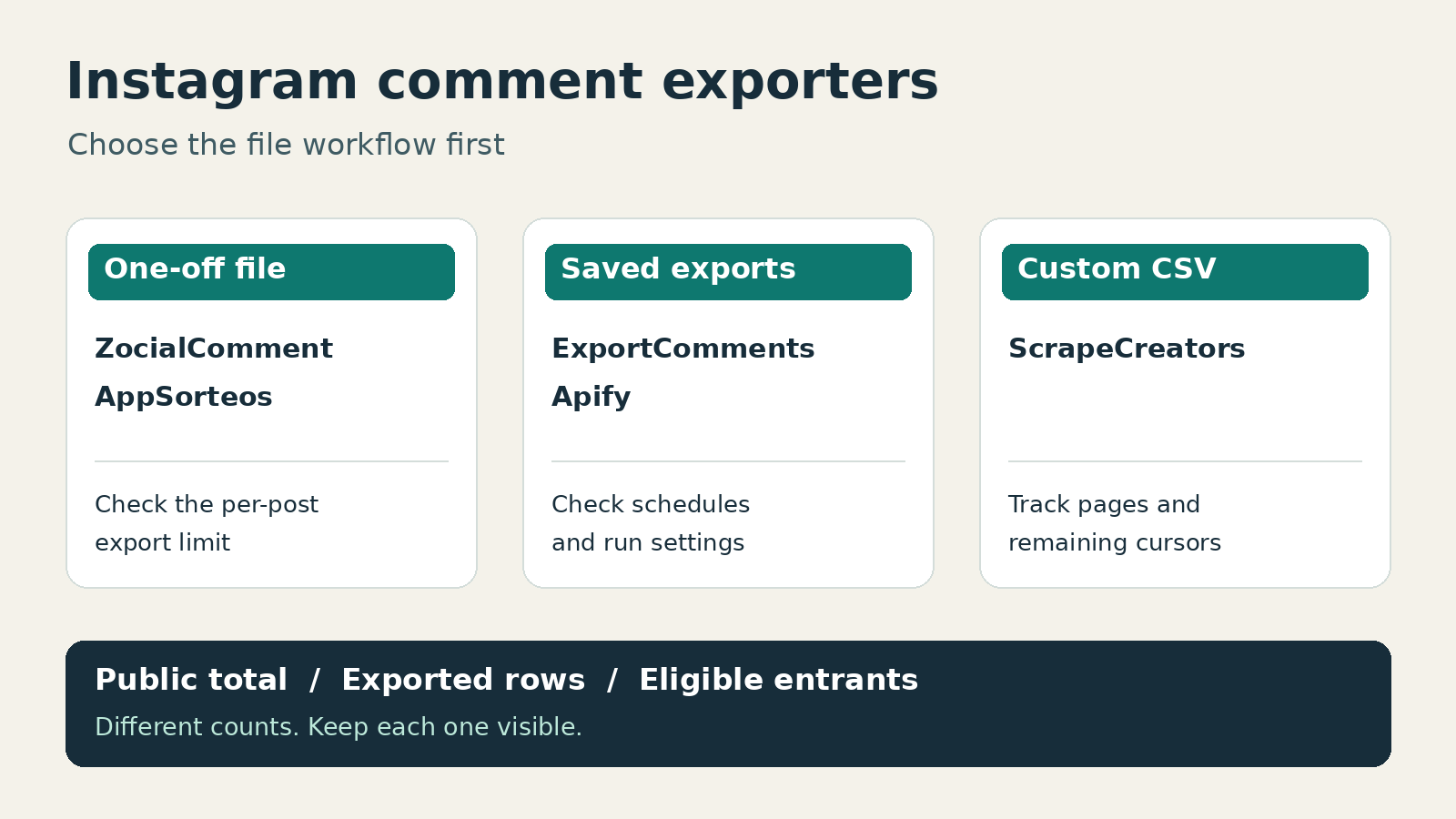
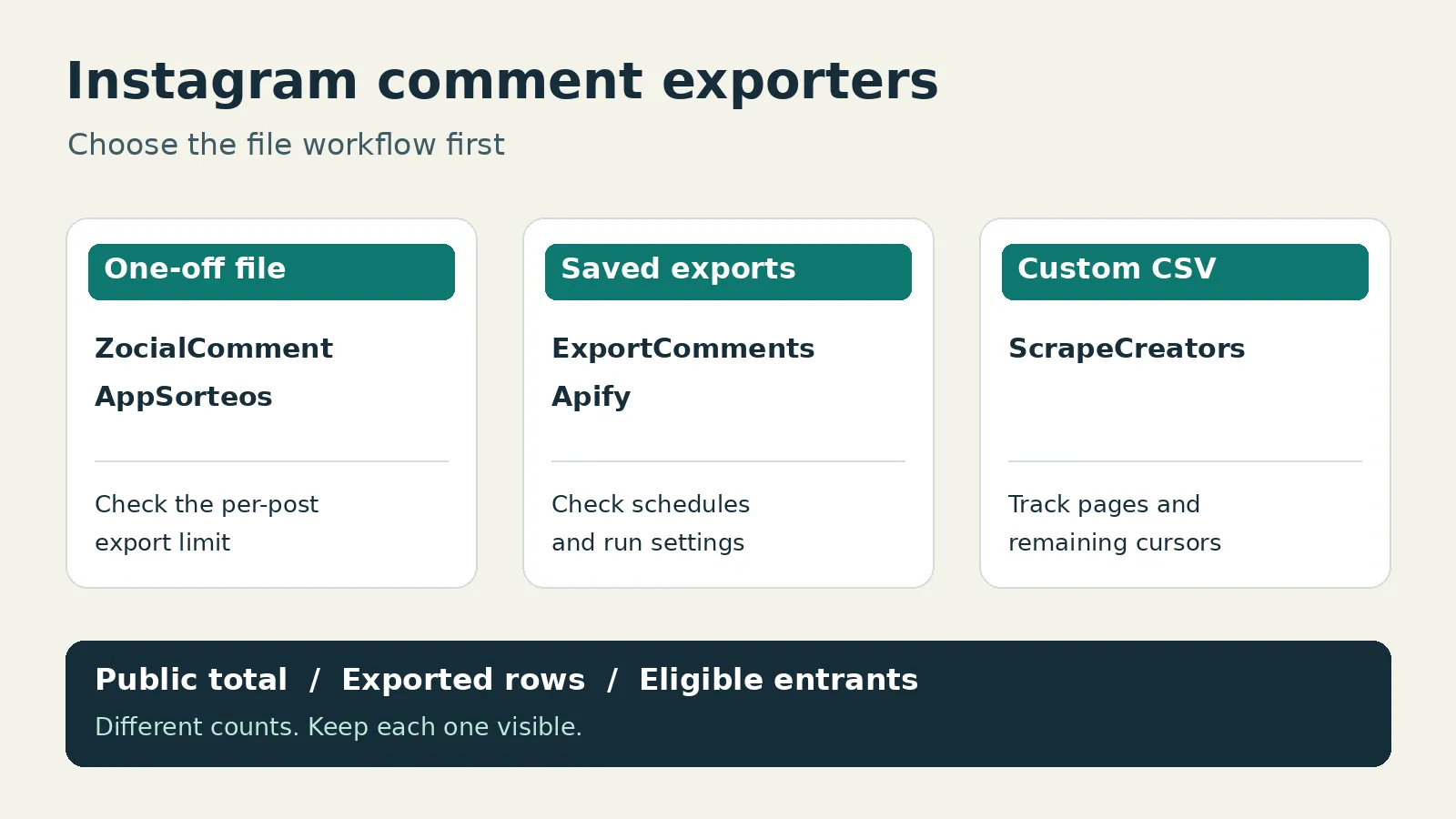
For a one-off Instagram comment export, I would start with ZocialComment’s short pass or AppSorteos’ browser exporter. Choose ExportComments for saved, scheduled exports, Apify’s Instagram Comments Scraper for a hosted collection job, or ScrapeCreators when an engineer needs to control the CSV and collection record. The best Instagram comment exporter is the one that delivers the rows and fields your job needs, not the largest number on its pricing card.
I run ScrapeCreators. It returns public data; it is not a ready-made spreadsheet app. I checked the sources and prices below on November 13, 2026, and executed the ScrapeCreators example. I did not buy or benchmark exports from the other four providers.
Compare the export you actually need
| Tool | Choose it for | Current entry cost or allowance | Catch to check before paying |
|---|---|---|---|
| ZocialComment | A short campaign or one-off spreadsheet | First 100 comments per post, three free exports daily; $9 for a three-day pass | The $9 pass allows up to 10,000 comments per post, not unlimited post size |
| AppSorteos | A browser export alongside giveaway work | Free export up to 100 comments; Starter $9.99/month | Starter’s export limit is 500, although its giveaway limit is 2,000 |
| ExportComments | Scheduled files and a saved workflow | Free up to 100 results/export, 50 exports/month; Personal $30 for three days | Scheduled exports start at Premium; API access is Business |
| Apify Instagram Comments Scraper | A hosted job with dataset exports | Free-plan rate $2.60/1,000 comment events, with a $5 monthly allowance | Reply collection is for paying users and adds separate result rows |
| ScrapeCreators | A custom CSV or downstream application | $47 buys 25,000 prepaid credits | Nonempty parent pages normally cost one credit, not one credit per comment; you write the export |
The linked primary pages in each section are the pricing references. A three-day pass, monthly workspace, per-result job and prepaid API page are different purchases. I would not convert them into one supposed universal price per thousand exported comments.
If you want the endpoint and pagination tutorial rather than a buying decision, use our Instagram comments API guide. For broader profile, post and hashtag collection, see the Instagram scraper comparison. Neither of those choices automatically delivers a finished spreadsheet.
1. ZocialComment for a short export window
ZocialComment’s Instagram exporter is worth shortlisting when you want a file without installing an extension or connecting your Instagram account. Its pricing page lists CSV, Excel and JSON, replies included with passes, and batches of up to 20 links.
The current free allowance is the first 100 comments of a post, with three free exports a day. The three-day pass is displayed at $9, reduced from $14, for posts with up to 10,000 comments each. The Pro pass is $39, reduced from $49, for up to 100,000 comments per post. Both are one-time purchases without renewal.
That is a useful model for a campaign that needs several files this week and nothing next month. It is not an unlimited archive or a promise that a public source exposes every comment. Ask how parent and reply rows count toward the per-post ceiling before a large threaded export.
The page also offers pay-per-export pricing at $1 per 100 comments with a $3 minimum. Compare the actual checkout with a pass rather than assuming the free sample extends to the whole post.
Choose it if you want a time-bounded, no-code export. Choose another option if your application needs your own collection checkpoints or a continuing scheduled pipeline. I have not verified its paid export completeness or AI analysis quality.
2. AppSorteos for giveaway-adjacent spreadsheets
AppSorteos’ export tool describes CSV, Excel and JSON downloads from public post URLs, with optional replies. It also advertises sentiment analysis, but that is separate from verifying the underlying export.
Read the specific Export Instagram Comments row on the current plans page. The monthly USD plans show:
- Free: up to 100 exported comments.
- Starter: $9.99/month and up to 500 exported comments.
- Creator: $22/month and up to 3,000 exported comments.
- Agency: $55/month and up to 10,000 exported comments.
The large numbers at the top of those cards describe giveaways: 300, 2,000, 5,000 and unlimited. They are not the export row. Buying Agency because you saw “unlimited” would be the wrong way to budget a 30,000-comment spreadsheet.
Its tool FAQ acknowledges that a downloaded count can differ from the number shown on the post. Treat its explanations as vendor guidance, not proof of why any particular record is missing.
Choose AppSorteos if you already work around giveaways and want a browser-based file. Choose another route if the export cap is too small or you need a programmable collector. A giveaway winner picker and a comment export are related features, not interchangeable entitlements.
3. ExportComments for scheduled exports
ExportComments supports Excel, CSV and JSON. Its export form exposes a reply-inclusion control marked PRO. Check that control and your plan before assuming that the file includes nested discussion.
The hydrated pricing grid currently shows a free plan with 100 results per export, 50 exports a month and one-day retention. Personal is a $30, three-day, nonrecurring purchase, with up to 5,000 results per export and three-day retention.
Premium is $50/month, with up to 50,000 results per export, scheduled exports, two workflows and five-day retention. Business is $220/month, with up to 250,000 results per export, ten workflows and API access. Those are the monthly prices, not an annual-plan monthly equivalent.
I would shortlist Premium when the real job is a repeating client file. Download or deliver the output promptly; a recurring job is not the same thing as permanent vendor storage.
Choose ExportComments if a saved schedule is more useful than writing an exporter. Choose another option if you only need one small file or require API access below its Business tier. Its three-day Personal purchase is a genuine alternative to a subscription, so calling the whole product subscription-only would be misleading.
4. Apify for a hosted collection job
The specific tool here is Apify’s Instagram Comments Scraper. It accepts post or Reel URLs and supports dataset exports, API invocation and schedules. Do not assume every Instagram Actor in the marketplace has the same input or billing.
Its current input schema uses directUrls, resultsLimit and includeNestedComments. The limit is per supplied post. Replies are available to paying users and appear as separate results, so enabling them can produce more rows than resultsLimit.
The event pricing tab lists $2.60 per 1,000 comments on Free, $2.30 on Starter, $2.10 on Scale and $1.90 on Business, with platform usage included for this listing. The cheapest headline rate is not the free-account rate. The Free plan includes $5 monthly usage; Starter is $19/month with included spend, then pay as you go. Check platform purchase terms alongside the Actor price.
For a comments-only export, start with this direct Actor instead of automatically selecting a profile-to-posts wrapper. Apify’s export tutorial demonstrates that broader workflow and explains its child runs. That is useful when you need post discovery too, but it is a different job from exporting known post URLs.
Choose Apify if you want managed runs, storage and integrations without operating the scraper yourself. Choose another option if you want an immediate download with fewer run settings. I reviewed this Actor’s current schema and pricing; I did not run it or verify reply recall.
5. ScrapeCreators for a CSV you control
The ScrapeCreators Instagram API fits an engineer who wants to decide exactly what goes into the file. The comments endpoint returns public comment records and a cursor; your program handles deduplication, writing and progress reporting.
Current parent-comment billing is one credit for a nonempty page and zero for a successful empty page. Setting include_replies=true costs 15 credits total for a nonempty page, even if no replies are found. It is slower and can time out. That is not one credit plus a 15-credit surcharge.
For selected threads, the replies endpoint takes the post url and parent comment_id, then a cursor for subsequent reply pages. It is a separate one-credit request. Do not use an absent or null reply count as proof that the thread has no replies.
The prepaid pricing starts at $47 for 25,000 credits. It buys collection requests, not 25,000 exported comments or a spreadsheet subscription. The docs warn that this is an error-prone endpoint, with roughly 90% expected success rather than a guarantee.
Choose ScrapeCreators if you need integration control and can handle partial runs. Choose a browser exporter if writing and maintaining even a small script is work you do not want. Create an account only after that distinction makes sense for your job.
A small CSV export with an honest manifest
This Python script uses only the standard library. Set SCRAPE_CREATORS_API_KEY in your environment, then run it. It requests at most two parent-comment pages, explicitly leaves replies off and records whether another cursor remains. It does not claim to download the complete post.
import csv
import json
import os
from datetime import datetime, timezone
from pathlib import Path
from urllib.parse import urlencode
from urllib.request import Request, urlopen

POST = "https://www.instagram.com/reel/DOq6eV6iIgD/"
API = "https://api.scrapecreators.com/v2/instagram/post/comments"
rows = {}
pages = []
source_bodies = []
cursor = None


def spreadsheet_text(value):
    text = "" if value is None else str(value)
    if text.lstrip().startswith(("=", "+", "-", "@", "=", "+", "-", "@")):
        return "'" + text
    return text


for page_number in range(1, 3):
    params = {"url": POST, "include_replies": "false"}
    if cursor:
        params["cursor"] = cursor
    request = Request(API + "?" + urlencode(params), headers={
        "x-api-key": os.environ["SCRAPE_CREATORS_API_KEY"]
    })
    with urlopen(request, timeout=45) as response:
        payload = json.load(response)
    if payload.get("success") is not True or not isinstance(payload.get("comments"), list):
        raise RuntimeError("Expected a successful comments page")
    observed_at = datetime.now(timezone.utc).isoformat()
    source_bodies.append(payload)
    for comment in payload["comments"]:
        comment_id = comment.get("id")
        if comment_id is None:
            raise ValueError("A comment has no ID; export needs review")
        key = (POST, str(comment_id))
        if key not in rows:
            rows[key] = {
                "post_url": POST,
                "comment_id": str(comment_id),
                "text": comment.get("text"),
                "created_at": comment.get("created_at"),
                "like_count": comment.get("comment_like_count"),
                "observed_at": observed_at,
                "first_seen_page": page_number,
            }
    cursor = payload.get("cursor")
    pages.append({"page": page_number, "returned_rows": len(payload["comments"]),
                  "credits_charged": payload.get("credits_charged"),
                  "has_cursor": bool(cursor)})
    if not cursor:
        break

fields = ["post_url", "comment_id", "text", "created_at", "like_count",
          "observed_at", "first_seen_page"]
with Path("instagram-comments.csv").open("w", encoding="utf-8-sig", newline="") as output:
    writer = csv.DictWriter(output, fieldnames=fields, quoting=csv.QUOTE_ALL)
    writer.writeheader()
    for row in rows.values():
        writer.writerow({key: spreadsheet_text(value) for key, value in row.items()})
summary = {"scope": "At most two parent-comment pages; no replies",
           "unique_rows": len(rows), "pages": pages,
           "stopped_with_more_pages": bool(cursor)}
Path("instagram-export-manifest.json").write_text(json.dumps(summary, indent=2))
# Keep source bodies private; they include personal data and pagination tokens.
Path("instagram-source-bodies.json").write_text(json.dumps(source_bodies, indent=2))
print(json.dumps(summary, indent=2))
In the exact execution on November 13, the first request returned 12 parent comments and the second returned 10. The CSV parsed back into 22 unique rows, with no overlap between pages. Each page charged one credit. Another cursor remained, so this is a partial export, not a 22-comment post. Separate fixture checks also succeeded; they do not establish an endpoint-wide reliability rate.
The output columns are a local export design, not a new API response schema. The script deliberately leaves usernames out. Retain them only if your research needs them, and do not turn a public discussion into an unsolicited outreach list.
Import the CSV through your spreadsheet’s text/CSV importer and set comment_id to Text. Long social IDs must not become rounded numbers. Keep the original JSON separately: the spreadsheet-facing text guard can add an apostrophe to formula-like cells, so its output is not always byte-for-byte original text.
OWASP’s CSV injection guidance explains why untrusted comments need care. The small guard above is not a universal spreadsheet security guarantee, especially after saving and reopening files. Test your actual spreadsheet and import settings before distributing exports.
For a longer job, add checkpoints after each successful page, bounded retries and a partial-run status. Repeat the post URL and intended include_replies setting when passing a cursor. There is no documented date-range input here; filter returned timestamps locally without pretending that this avoided collecting the earlier pages.
Check four counts before trusting the file
A successful download is not a completeness certificate. Keep these counts separate:
- The public comment total displayed on Instagram, if you observed it.
- Unique parent-comment rows actually exported.
- Reply rows actually exported, with a parent relationship.
- Eligible entrants after your giveaway rules, if that is your use case.
One person can leave several comments, and one parent can have many replies. Deduplicate technical repeats by source post plus comment ID. Only deduplicate people if the contest rules or analysis explicitly call for that. Keep the unfiltered file so the decision can be checked.
This is not an abstract concern. In the Comment Picker tutorial discussion, viewers asked about missing usernames and an exported count below the public count. A Reddit research question asked how to get past 100-comment free limits for a thesis. These are qualitative questions, not proof that today’s vendors share those old limits or failures.
Those questions shaped this comparison: export limits are separate from giveaway limits, replies need their own coverage check, and an incomplete sample needs a visible label. Before buying, export a post containing an emoji, a multiline comment, a reply and a long ID. Open the file and inspect those exact records, not just the download confirmation.
My acceptance checklist would ask whether the file preserves text, identifies its source post, distinguishes missing counts from zero, and documents where collection stopped. A polished sentiment chart can wait until those checks pass.
Frequently asked questions
What is the best Instagram comment exporter?
For a short no-code export window, shortlist ZocialComment or AppSorteos. ExportComments fits scheduled files, Apify fits hosted collection jobs, and ScrapeCreators fits a custom CSV pipeline. Compare the export limit, reply coverage and purchase terms for your actual job.
Can I export Instagram comments to Excel for free?
Several tools have a free sample, not an unlimited export. Today ZocialComment offers the first 100 comments per post and three exports daily, ExportComments allows 100 results per export and 50 monthly exports, and AppSorteos lists a 100-comment free export limit. Check the current primary pricing pages before collecting.
Will an Instagram comment exporter include every reply?
Do not assume so. Reply options and plan gates vary, and a public source may not expose every comment. Record parent rows and fetched reply rows separately, check parent IDs in the output, and label incomplete runs rather than equating a downloaded file with the public count.
Can an export tell me how many people entered my giveaway?
Not by counting comment rows alone. A person may leave multiple comments and replies. Apply the published entry rules to a preserved source file, and keep eligible-entrant counts separate from collected parent comments and replies.