
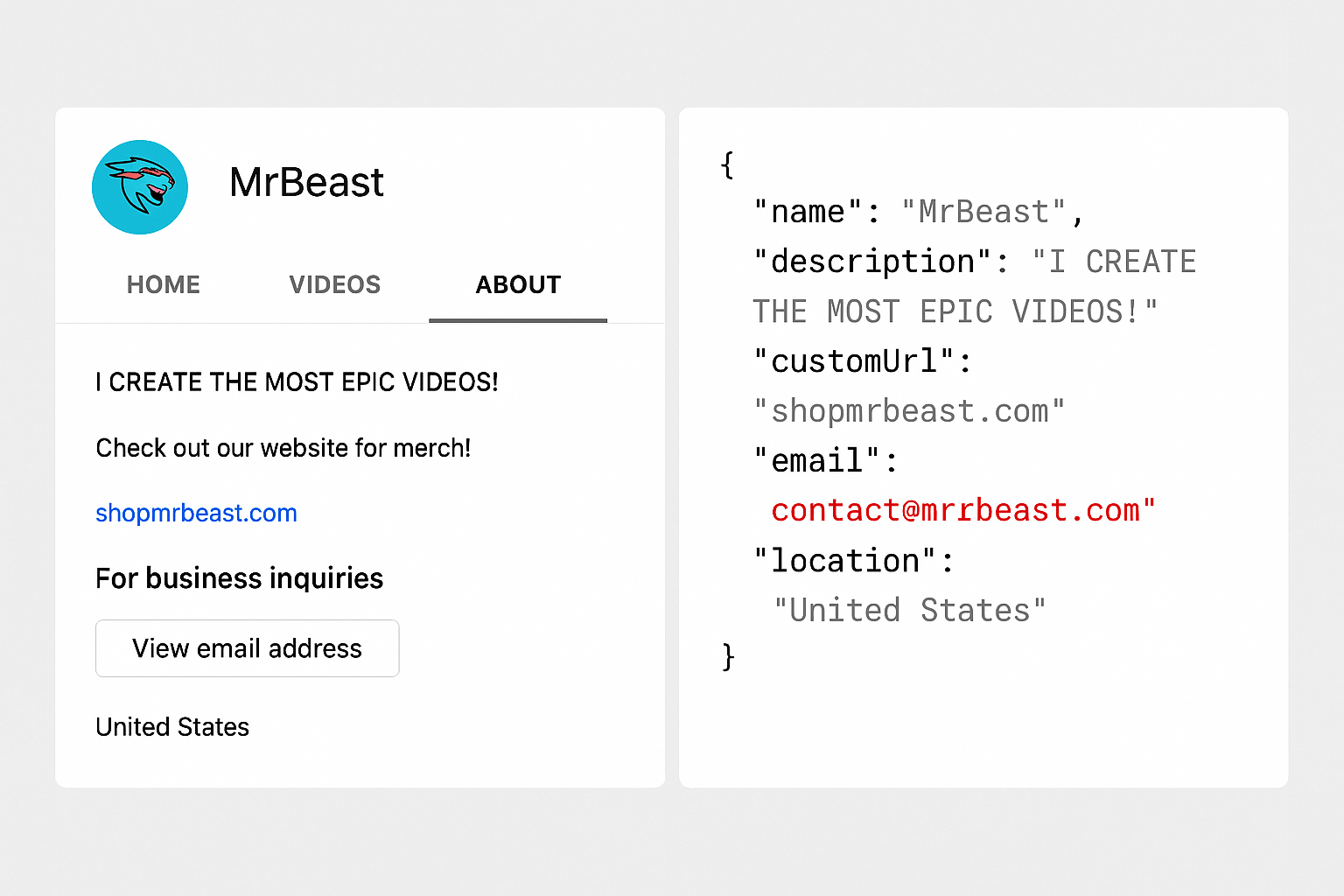
A YouTube channel email finder helps you collect business emails from public creator profiles—bios, about pages, and linked sites—without logging in or solving CAPTCHAs.
That matters when you need outreach at scale:
- Pull emails listed in channel bios via API
- Follow Linktree and website links when the email isn’t in the bio
- Skip the “View email address” button and its 10-per-day limit
Most teams hit a wall with manual lookups. Public data APIs turn that into a repeatable workflow.
In this guide, you’ll learn:
- Three proven ways to find YouTube creator emails
- When to use a database vs an API vs link scraping
- Why YouTube’s built-in email button doesn’t scale
- How to stay within public-data and terms-of-service boundaries
Below, we cover all three methods.
1. Use a Paid Tool Like Influencers.Club
influencers.club is a premium database of influencers across platform, including YouTube. Their platform is easy to use, and gives you verified emails in bulk with a nice UI, no coding required.
2. Use an API Like Scrape Creators (Best for Public Bio Emails)
If you’re technical and don’t want to spend as much as Influencers.club will charge, consider using an API to scrape the email directly in their bio, description, or “about” section. These emails are visible without logging in and can be pulled via an API.
Scrape Creators gives you access to this public data quickly and cheaply.
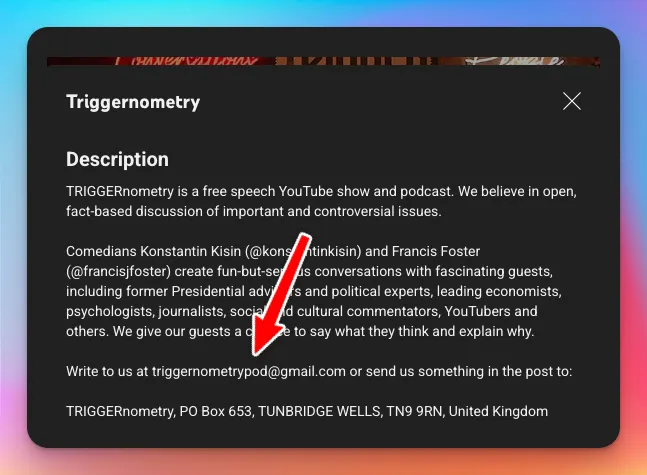
For example, if you wanted to get the email for the Triggernometry YouTube channel, here’s what you’d do:
Make a GET request to https://api.scrapecreators.com/v1/youtube/channel?handle=triggerpod
*Remember to add your API key as a x-api-key header
And among other things, it will return
"email": "triggernometrypod@gmail.com"
3. Use a Link Aggregator Scraper (e.g., RapidAPI)
Some creators don’t list their email directly in their bio, but they link to a personal website, Linktree, or other social media. These often contain contact info.
This is where YouTube Channel Email Contact Finder on RapidAPI comes in clutch. It scrapes publicly available data only, and is surprisingly good at finding emails from linked sources (like websites or other social accounts).
No login. No CAPTCHA solving. Just smart scraping.
What About the “View Email Address” Button on YouTube?
You’ve probably seen the “View Email Address” button on the About tab of a YouTube channel. It does give access to email, but:
- You need to be logged in
- You can only access 10 emails/day per account
- You must solve a CAPTCHA
Sadly these limitations make this method completely unusable.
It’s not worth the headache (or legal risk).
Summary
| Tool | Price | What it Gets | Pros | Cons |
|---|---|---|---|---|
| Scrape Creators | ✅ Free plan (100 reqs) Pay as you go after | Emails in bio/description | Fast, API-based, scalable, no login needed | Only finds emails that are publicly visible in bio |
| RapidAPI – YouTube Email Finder | Paid (subscription) Medium most expensive | Emails from linked sites or socials | Gets emails from Linktree, websites, etc. | May miss accounts with no links |
| Influencers.Club | Expensive subscription | Full contact database with verified emails | No coding, nice UI, agency-ready | Pricey, less flexible or customizable |
| Manual (“View Email” Button) | Free (manual) | Email hidden behind CAPTCHA/login | Free, accurate | 10/day limit, requires login, not scalable |
Final Recommendation
If you want to build a real list of YouTube influencers:
- Start with Scrape Creators to grab emails directly from bios
- Use the RapidAPI tool to catch additional emails from linked websites and social media
- Consider Influencers.club if budget isn’t an issue and you want it all done for you