

TikTok slideshow scraping pulls full-resolution images from photo carousels—watermark-free URLs from image_post_info.
Carousel posts drive huge reach with less production work. API access beats saving slides one screenshot at a time.
In this guide, you’ll learn:
Here’s how it works.
Why Slideshows?
TikTok photo carousels, or slideshows, are helping creators get millions of views, with relatively little effort.
If you’ve ever wanted to scrape the images from a TikTok, here’s how you do it:
How to:
Let’s take this account as an example: https://www.tiktok.com/@mens.guidance
All of their posts are photo carousels and some of their posts are popping off.
First sign up for this product named Scape Creators, it grabs public social media data in real time.
It only take a couple clicks to sign up.
Let’s use this post as a example: https://www.tiktok.com/@mens.guidance/photo/7467226363544554770
We want to grab the images from this post.
The endpoint we will be hitting will be TikTok Video Endpoint (docs link)
You can test it out using the playground.
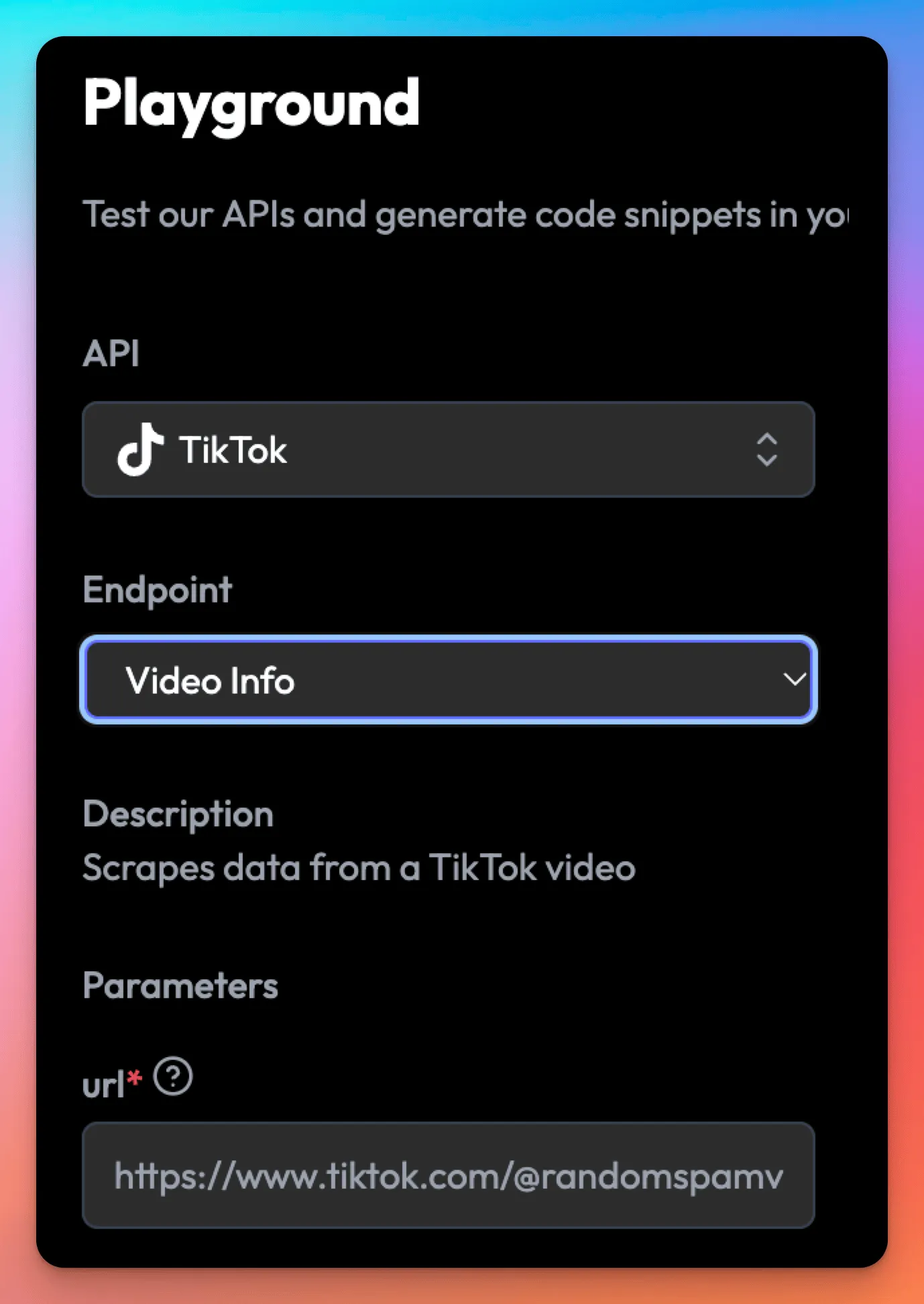
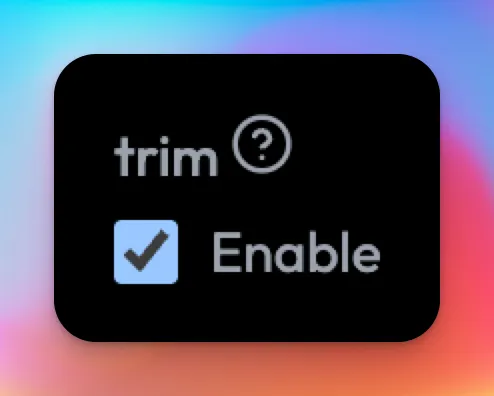
Pro tip, enable trim to trim the response to make it a little more manageable.
Look for the key `image_post_info`.
That will have an array called `images`
And we actually want to go into the `thumbnail` key to get the image that doesn’t have a watermark.
Key into the first url in `url_list`, and we have the url of the image!
Go ahead and visit that url to verify.
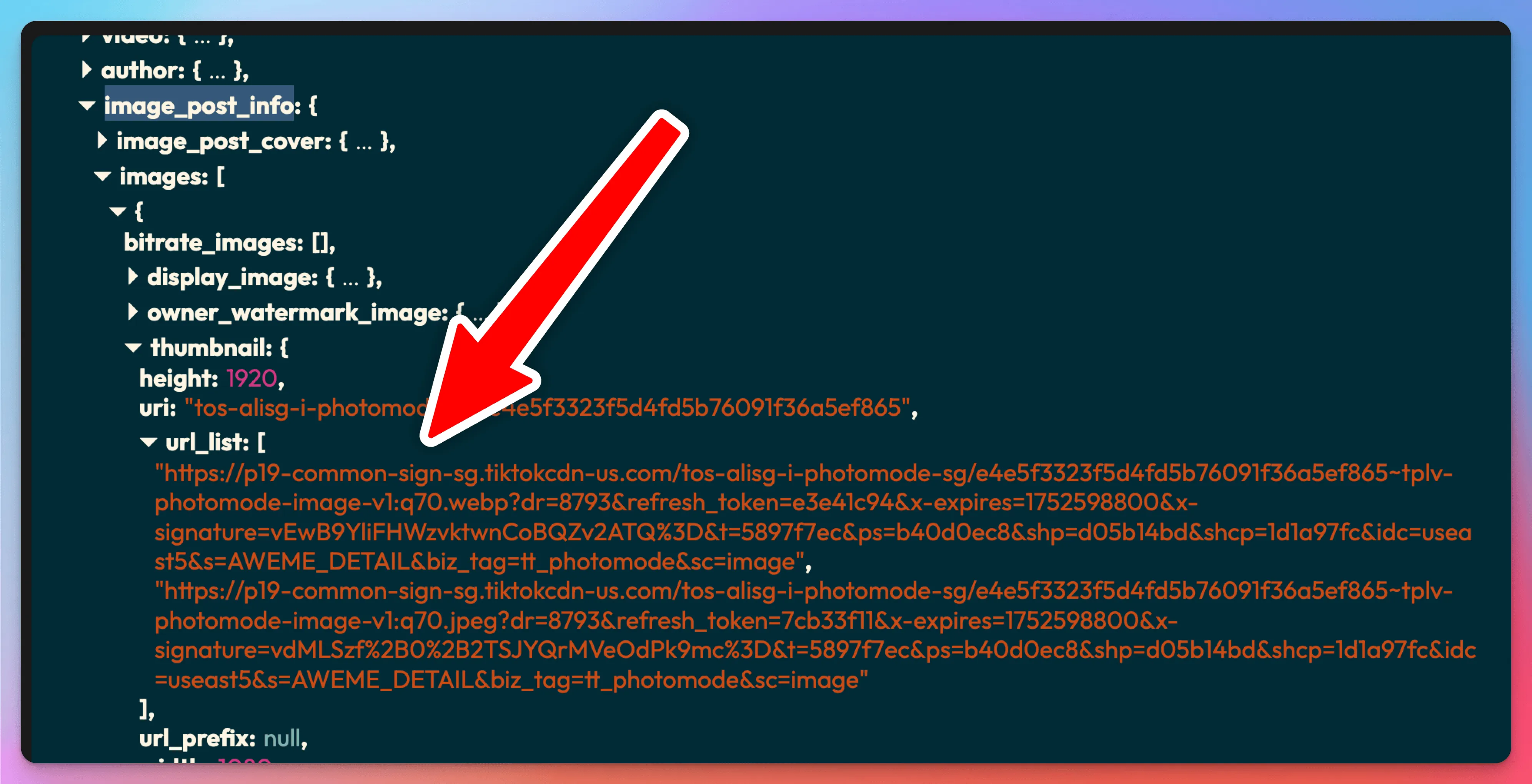
To get all the images, simply loop over the images array!
In code it would look like this:
We are gonna use JavaScript (Node.js) for this example.
I’m using the http client library called axios here, but feel free to use the one you want.
const response = await axios.get(
  `https://api.scrapecreators.com/v2/tiktok/video?url=https://www.tiktok.com/@mens.guidance/photo/7467226363544554770`,
  {
    headers: {
      "x-api-key": process.env.SCRAPE_CREATORS_API_KEY,
    },
  },
);

const imageUrls = response.data.aweme_detail?.image_post_info?.images?.map(
  (image) => image.thumbnail?.url_list?.[0],
);

console.log(imageUrls);
And that’s it!
Those url’s will expire after a few hours, so if you want to save them to view later, you will want to download them and then upload them to a cloud storage provider like supabase storage, Amazon S3, or Cloudinary, etc.
In node.js you would fs to download the image.
Also, if you don’t want to do this for each individual video, you can use Scrape Creators Profile Videos endpoint to grab the user’s first 20 tiktoks (or however many you want), and then loop through all their tiktoks and grab the images (or videos) from all of them.