
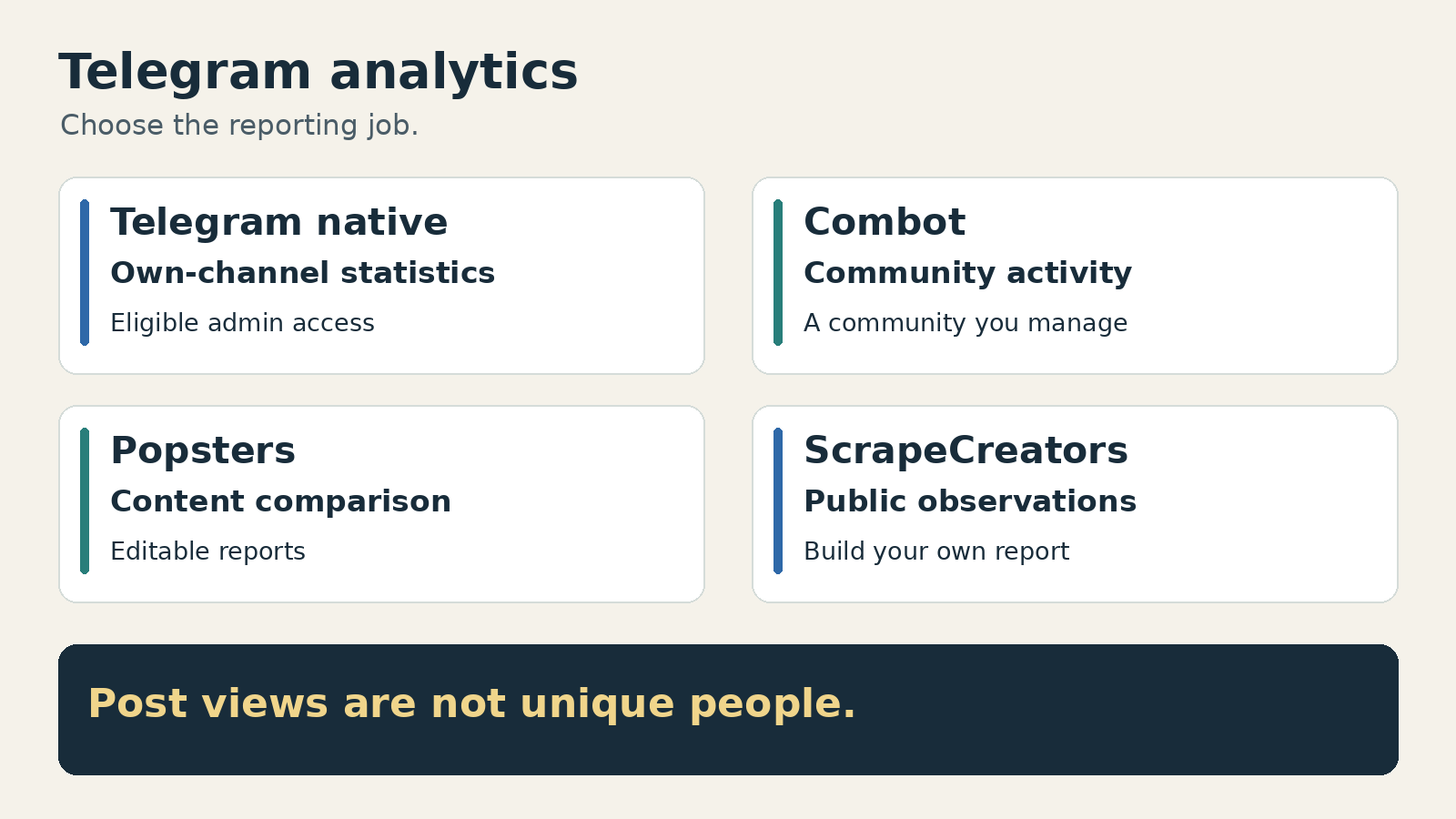
Start with Telegram’s own statistics if you administer the channel or supergroup and they are available. Choose Combot for group activity and moderation, Popsters for comparing public channel content and exporting reports, or ScrapeCreators for public observations that feed a report you build yourself. A public post counter is not the same thing as an admin report, a subscriber-growth history, or a list of individual viewers.
I run ScrapeCreators. It is the developer option here, not my recommendation for someone who wants a finished analytics dashboard. I checked the sources and prices below on November 12, 2026, and ran the public-data example. I did not connect a private group to every service or benchmark their reporting accuracy.
Choose the report before the tool
| Tool | Choose it for | Access and output | Price or allowance checked November 12, 2026 | Check before buying |
|---|---|---|---|---|
| Telegram native statistics | Understanding a channel or supergroup you administer | Eligible admin access; Telegram’s own graphs and period comparisons | Start inside Telegram rather than buying another service | Statistics eligibility is server-controlled, not a universal subscriber threshold |
| Combot | Member activity, message volume, joins, leaves, and moderation | Connect the bot to your community; dashboard, with API methods gated by chat plan | Free: 32 days of analytics; Pro: $9.99/month and 100 days; Business: $100/month and one year | Analytics history, stored message text, API access, and commercial-use terms are different things |
| Popsters | Comparing public Telegram posts and delivering a content report | No channel admin access required; PDF, XLSX, and PPTX reports | $19.90 for 30 days for one social network; trial has 10 loads over seven days and limited export | The paid selection is tied to a social profile/network; it does not buy a continuous subscriber-growth archive |
| ScrapeCreators | Supplying public channel observations to your own analysis | REST JSON from public web previews; you build storage, calculations, and reports | $47 for 25,000 prepaid credits; each populated Telegram page in this check cost one credit | No private analytics, guaranteed full history, individual-viewer list, or ready report |
These solve different problems. If you need a slide deck this afternoon, buying raw JSON adds work. If you already have a reporting pipeline and a fixed list of public channels, paying for a broad discovery workspace may add features you will not use.
That distinction also came up in a Telegram research discussion: the author clarified that they wanted collection and metadata for known channels, not private-group access or another dashboard. It is a useful question to settle before comparing subscriptions.
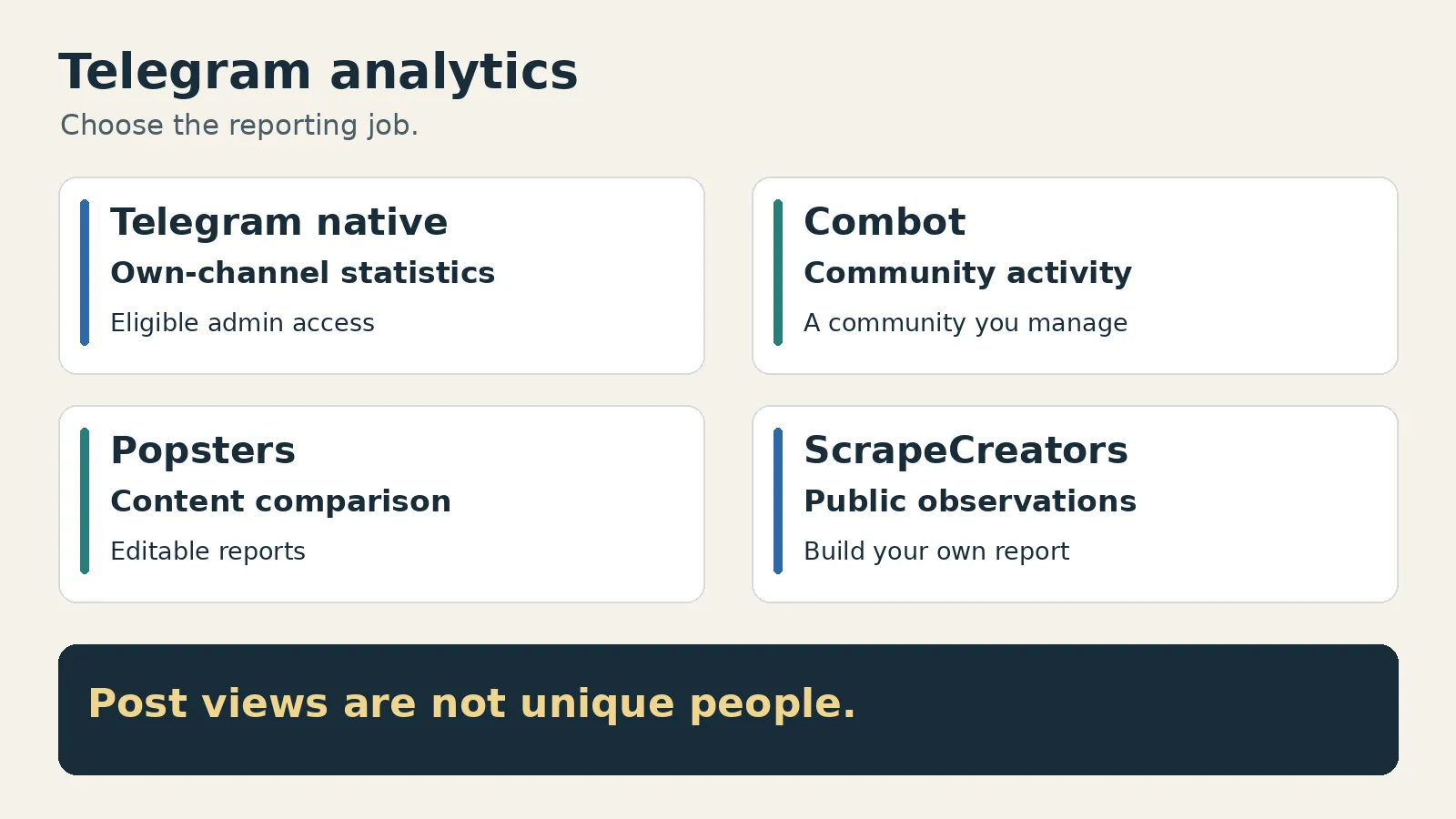
1. Telegram native statistics for your own channel
Use the native report first when your question is about an account you administer. Telegram’s statistics documentation describes channel follower figures, views and shares per post, enabled notifications, and graphs for growth, languages, and view or follower sources. Supergroups have their own statistics, including activity and member-related information.
The access boundary matters more than a tool’s chart count. Telegram says administrators of channels and supergroups of a certain size can retrieve statistics. The exact size is a server-side setting exposed through channelFull.can_view_stats. Do not build a buying decision around an old tutorial’s fixed threshold. Check whether the actual channel has statistics available.
A walkthrough reviewed for this guide illustrates the problem: the presenter opens a newly created channel but never finds the statistics option. That is not evidence that Telegram has no analytics. It is a reason to check eligibility before following a menu tutorial.
For developers, the native statistics methods are part of Telegram’s authenticated API. The docs also specify a statistics datacenter. They are not a public endpoint for reading any competitor’s private report, and they are not interchangeable with a public web-preview scraper.
Read the period definition carefully. Telegram’s channel report defines views per post using posts published within the report period. That is different from asking how many views every old post received during the last week. Save the displayed period with the report rather than assuming all charts answer the same date question.
Choose another route if you need a public-channel comparison without admin rights, a content report in editable files, or a custom dataset that joins Telegram with other sources.
2. Combot for activity inside a community you manage
Combot fits a group administrator who wants to understand participation and act on it. Its current product page lists messages, members, joins, leaves, and top users alongside moderation, automations, and scheduled posts. It also supports channels, but group activity is the clearest reason to choose it over a public post comparator.
The current plans show 32 days of analytics on Free, 100 days on Pro, and one year on Business. Pro is $9.99 monthly or $99.99 yearly. Business is $100 monthly or $900 yearly. The annual amounts are separate commitments, not the amount paid each month. Business explicitly lists commercial use and extended support; check those terms if the report is for client work.
There is a useful detail hidden behind the phrase “API access.” Combot’s current API reference marks getChatAnalytics as Pro, while admin-management methods require Business. The homepage describes Business as the full API tier. Do not assume every API method requires Business, or that Pro includes every operation. Check the specific method and the target chat’s plan.
The analytics method supports period comparisons and hourly activity. Its from and to values use milliseconds. The stored-message method, getMessages, uses seconds, returns only the last 48 hours, and excludes media other than its documented text/sticker output. One year of Business analytics does not mean a one-year message-content archive.
Combot also documents how deletions affect counts: messages it deletes are subtracted while still within the last 48 hours. A message deleted elsewhere may remain in the stored-message result until it ages out. If a moderation report and a fresh chat export disagree, examine that rule before assuming the arithmetic is wrong.
A Combot setup tutorial and its comments raised practical problems with missing settings and admin recognition. The current API docs are the better source for today’s permissions. Add the bot through the official flow, verify the human account and bot rights, and test one harmless analytics read before granting automation or moderation access. I did not add it to a live customer group for this comparison.
3. Popsters for public content comparisons and report files
Popsters’ Telegram tool is the better fit when your question is about posts: which formats, text lengths, hashtags, or publishing times are associated with stronger observed activity? Its Telegram page says it can compare up to ten channels without administrator access and export PDF, XLSX, and PPTX reports.
That is a practical handoff for a marketer who wants to compare public channels, review individual posts, and send an editable report. It is less suitable for investigating joins and leaves inside a managed group.
The live personal-plan page showed $19.90 for 30 days, $99.90 for 180 days, or $179.90 for 365 days, for one social network. The trial showed ten loads across seven days with limited export. The FAQ explains that paid access is tied to the selected social profile and network. Confirm the selected Telegram profile before paying, particularly if you have signed in through several networks.
No channel-admin requirement does not mean no login. Popsters’ FAQ describes Telegram authorization using a one-time code. Review that flow and the permissions with the account owner. This guide did not authorize a private account, and a vendor’s security description is not an independent security audit.
Popsters is explicit about one important limitation: it analyzes posts rather than continuously tracking subscriber counts. Its FAQ says it cannot report subscriber growth for specific dates. If you need a subscriber trend, use an appropriate native report or a service that has actually been collecting that history.
The report filters change the denominator, too. Popsters says filtering posts recalculates the totals for the remaining feed. Its default analysis period is one month, but you can select another period. A chart based on filtered photo posts is not the same comparison as all posts from both channels.
Finally, “best posting time” should be read as a description of the observed posts, not proof that publishing at that hour causes more views. Start with a content hypothesis, inspect the underlying rows, and compare similar publication ages before changing the schedule.
4. ScrapeCreators for a public report you build
The ScrapeCreators Telegram API supplies public channel metadata and posts. It does not produce the native admin statistics described above. Choose it when you already have the analysis code, database, or reporting tool and want normal HTTP requests as an input.
The channel-posts documentation describes one public web-preview page per request. Send handle for the channel and repeat it with the returned cursor to fetch the previous page. A cursor moves backward through the preview; it does not turn a page into a calendar-period report.
Current pricing offers 25,000 prepaid credits for $47. In this check, populated Telegram pages used one credit each. The docs and handler leave empty and terminal pages uncharged. Request cost is not a per-post tariff, and allocating a few credits from a pack is not the same thing as buying that pack.
The fields support useful analysis if you retain their limits. Store the post ID, canonical source URL, publication time, observation time, and the visible counters. Reaction details may be absent. Subscriber numbers can come from abbreviated display text, so an integer parsed from 10M is not evidence of an exact ten-million-person audience.
This option does not provide private or invite-only content, member identities, individual viewers, native audience-source graphs, historical subscriber counts from before collection, or a guaranteed complete archive. If your brief needs any of those, do not buy a public preview API hoping the missing fields will appear.
Our existing Telegram scraper comparison covers collection and access methods. This guide is about choosing an analytics output and checking its meaning. For a broader custom collection pipeline, the social monitoring API comparison explains the difference between a managed mention feed and sources you schedule yourself.
A real public sample with its boundaries attached
I checked durov and telegram, then followed the durov cursor to an older page. All three requests returned HTTP 200, twenty post rows, and one credit charged each. The two durov pages had no overlapping IDs. This is a small fixture check, not evidence of complete history or service reliability.
I then ran the exact Python below separately. It fetches at most two pages, keeps stable IDs, preserves the publication dates, and labels the result as public observations. It uses only Python’s standard library. Set SCRAPE_CREATORS_API_KEY in your environment first.
import os,json,urllib.parse,urllib.request
from datetime import datetime, timezone
from pathlib import Path
from statistics import median

observed_at = datetime.now(timezone.utc).isoformat()
posts = {}
cursor = None
seen_cursors = set()
credits = 0
for page in range(2):
    params = {'handle': 'durov'}
    if cursor:
        params['cursor'] = cursor
    request = urllib.request.Request(
        'https://api.scrapecreators.com/v1/telegram/channel/posts?'
        + urllib.parse.urlencode(params),
        headers={'x-api-key': os.environ['SCRAPE_CREATORS_API_KEY']},
    )
    with urllib.request.urlopen(request, timeout=45) as response:
        data = json.load(response)
    if data.get('success') is not True or not isinstance(data.get('posts'), list):
        raise RuntimeError('The response did not contain a usable posts page')
    Path(f'telegram-source-page-{page + 1}.json').write_text(json.dumps(data))
    credits += data.get('credits_charged', 0)
    for post in data['posts']:
        if post.get('channel_handle') != 'durov' or not post.get('id'):
            raise RuntimeError('Check the returned channel and post identity')
        posts[post['id']] = {key: post.get(key) for key in
            ['id', 'url', 'published_at', 'view_count', 'view_count_text', 'reaction_count']}
    cursor = data.get('cursor')
    if not data.get('has_more') or not cursor:
        break
    if cursor in seen_cursors:
        raise RuntimeError('Pagination repeated its cursor')
    seen_cursors.add(cursor)

rows = list(posts.values())
dates = [datetime.fromisoformat(p['published_at']) for p in rows if p['published_at']]
views = [p['view_count'] for p in rows if isinstance(p['view_count'], (int, float))]
packet = {
    'channel_handle': 'durov',
    'observed_at': observed_at,
    'unique_posts': len(rows),
    'oldest_publication': min(dates).isoformat() if dates else None,
    'newest_publication': max(dates).isoformat() if dates else None,
    'posts_with_view_counts': len(views),
    'median_public_views_in_sample': median(views) if views else None,
    'credits_charged': credits,
    'more_history_available': bool(data.get('has_more') and cursor),
    'private_analytics_included': False,
    'posts': rows,
}
Path('telegram-observation.json').write_text(json.dumps(packet, indent=2))
print(json.dumps({k: v for k, v in packet.items() if k != 'posts'}, indent=2))
That execution returned this summary on November 12, 2026:
{
  "channel_handle": "durov",
  "observed_at": "2026-11-12T11:09:37.663580+00:00",
  "unique_posts": 40,
  "oldest_publication": "2026-05-17T14:44:56+00:00",
  "newest_publication": "2026-11-11T20:27:00+00:00",
  "posts_with_view_counts": 40,
  "median_public_views_in_sample": 5000000.0,
  "credits_charged": 2,
  "more_history_available": true,
  "private_analytics_included": false
}
This is the script’s own file summary, not the API response schema. The saved file also contains the forty projected post rows; they are omitted here. The two source pages are saved separately so you can inspect the original responses.
The oldest and newest publication dates span several months. This is not a November-only sample, and more_history_available: true means the bounded example stopped before exhausting the available pages. The median summarizes the returned counters at observation time. It is not daily reach, a growth rate, or a count of unique subscribers reached.
If this is the workflow you need, create a ScrapeCreators account and try the same public fixture before scheduling a larger collection. If you need a finished deck instead, start with the reporting option above.
Check what the numbers can actually prove
Telegram’s channel FAQ says post views are approximate and include forwarded copies. It can count a repeat view again after roughly four days. Therefore, a million post views does not establish a million different subscribers, a million people inside the channel, or a million buyers.
That also limits public engagement ratios. If you calculate views divided by the current displayed subscriber count, label the formula and observation time. Do not call it a unique-audience rate, an ad-conversion rate, or proof that the audience is genuine. Rounded subscriber inputs add another source of uncertainty.
Use this proposed acceptance check before committing to a tool. I have not run it across all four options:
- Pick one owned channel, one public comparison channel, and a known set of posts. Confirm which of those the tool is allowed to analyze.
- Write down the publication window and observation time. Check the oldest and newest returned post, rather than trusting a date-picker label alone.
- Follow one post from the source into the report and its export. Confirm the ID, link, views, and missing fields survive.
- Ask when collection began, whether historical counters existed beforehand, and what happens to edited or deleted messages.
- Verify the billing unit and the actual output you need. A limited trial export, a paid report, a raw-message archive, and an analytics API can have different gates.
Social research reinforced these boundaries. A Popsters demo discussion includes a user looking for private YouTube audience demographics in a public-content tool. The platform is different, but the buying mistake is the same: a public analysis screen does not automatically include an owner’s private audience report. I also reviewed Telegram-related YouTube transcripts, Reddit discussions, and TikTok search results; promotional trading bots and unrelated AI dashboards were not treated as proof of analytics coverage.
Questions before you buy
What is the best free Telegram analytics tool?
Start with Telegram’s native statistics when your administrator account has access. Combot also lists a free tier with 32 days of analytics. Check eligibility and the actual report you need before assuming either covers a public competitor or historical data.
Can I analyze a Telegram channel without being its administrator?
Popsters supports public-channel content comparisons without channel admin rights. ScrapeCreators supplies public-preview data for your own analysis. Neither route gives you another channel’s private native statistics or an individual-viewer list.
Can a Telegram analytics tool show subscriber growth from last year?
Only if the source actually has that historical data. A current subscriber count cannot reconstruct past counts. Popsters says it does not continuously track subscriber growth, and ScrapeCreators’ public request is an observation rather than a ready historical growth series.
Do Telegram post views mean unique people?
No. Telegram says the counters are approximate, include forwarded copies, and may count a repeat view again after around four days. Use them as public post-view counters, not verified unique reach or sales attribution.