
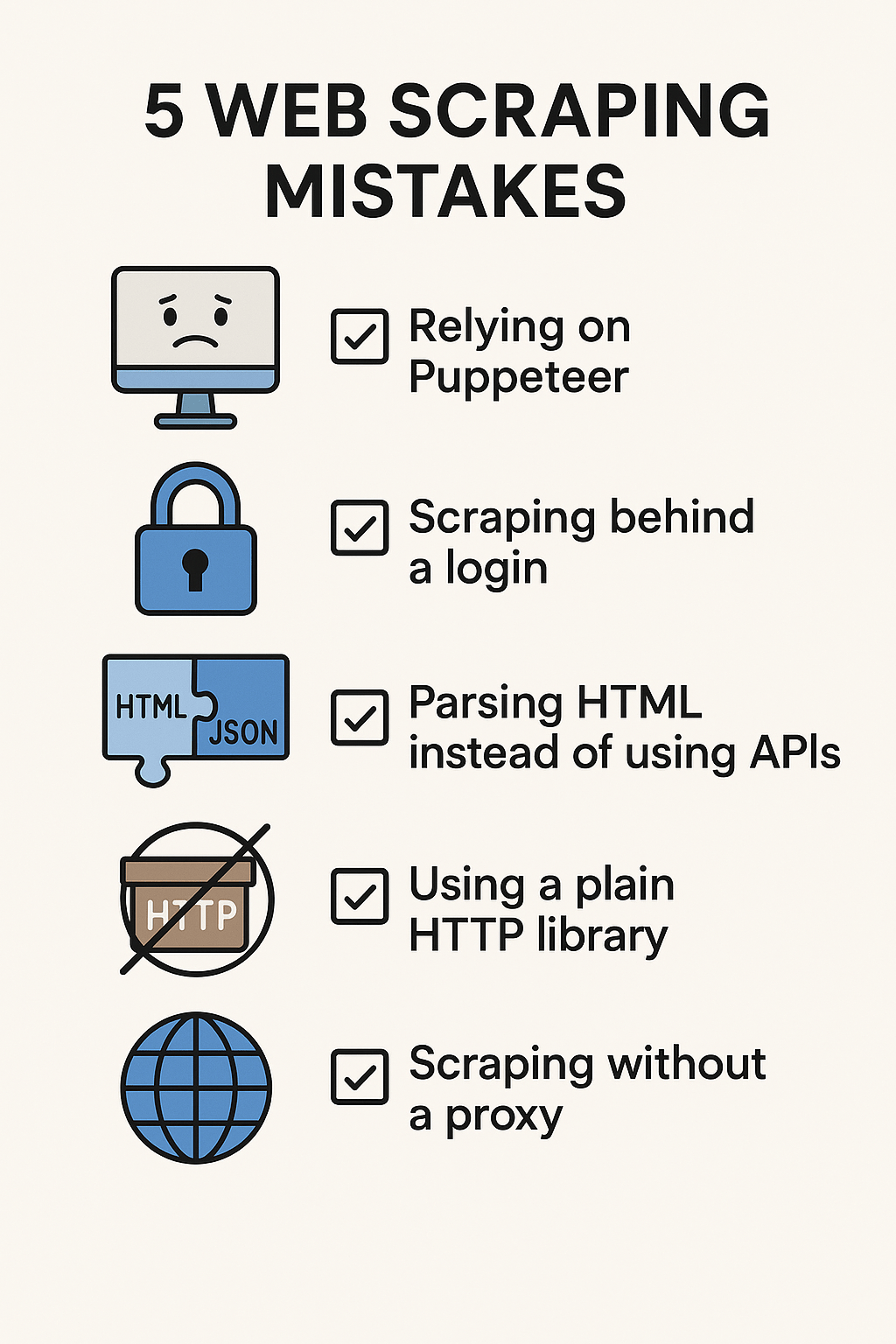
Web scraping mistakes sink production crawlers—Puppeteer-first stacks, login scrapes, HTML parsing, and proxyless bursts top the list.
Fix the architecture early. APIs and HTTP beat browsers for most social and SaaS targets.
In this guide, you’ll learn:
- Don’t default to Puppeteer or Selenium
- Avoid scraping behind login
- Prefer APIs over fragile HTML parsers
- Use scraping-ready HTTP libraries, not plain Axios
- Why proxies matter at scale
Use the sections below as your playbook.
1. Relying on Puppeteer or Selenium as Your First Option
It’s tempting to jump straight into browser automation tools like Puppeteer or Selenium. They sound impressive, but they should be your last resort, not your first.
Why?
- Slow and expensive at scale: launching headless browsers for every request chews up CPU and memory.
- Harder to deploy: especially if you’re scaling across cloud servers.
- Most sites don’t require it: static HTML, APIs, or lightweight scraping libraries often do the job better.
Best Practice: Start with lightweight HTTP libraries. Keep Puppeteer in your toolbox, but only use it as a last resort.
2. Scraping Behind a Login
Scraping behind login walls (like Facebook, LinkedIn, or Instagram) is risky. Not only does it raise legal and ethical concerns, but it also adds unnecessary complexity: maintaining sessions, handling CAPTCHAs, and being easily flagged by anti-bot systems.
Best Practice: Focus on public-facing data. Many sites expose the same information via APIs or pre-login endpoints. Challenge yourself to find the open data path. And often it’s easier, cleaner, and more sustainable.
3. Parsing HTML Instead of Using APIs
Another rookie mistake: scraping raw HTML for data that’s already being fetched via an underlying API call.
- HTML parsing = fragile (changes to page layout break your scraper)
- APIs = cleaner JSON (structured data, fewer headaches)
- Avoid double work: parsing HTML and handling browser rendering when you could just hit an endpoint directly.
Best Practice: Before writing a single scraper, inspect the network tab in your browser’s dev tools. If the content loads dynamically, chances are there’s a hidden API request you can mimic.
4. Using a Generic HTTP Library
Yes, you can scrape with Axios, Fetch, or Python’s Requests library. But at scale, these options lack the robustness needed for modern web scraping.
Better Tools:
- got-scraping (Apify): purpose-built for scraping, handles headers, cookies, retries, etc.
- Impit (Apify): a solid scraping-friendly HTTP client.
Best Practice: Use a library built for scraping, not just for generic HTTP calls. You’ll avoid anti-bot pitfalls and cut down debugging time.
5. Scraping Without Proxies
Perhaps the biggest mistake: not using proxies. Without them, you’ll hit rate limits, get blocked, or worse, burn your IPs.
Recommended Providers:
Best Practice: Always rotate proxies and pair them with proper headers (user agents, etc) for more natural traffic patterns.
Final Thoughts
Web scraping is both art and engineering. Avoiding these five mistakes: overusing Puppeteer, scraping behind logins, parsing fragile HTML, using the wrong HTTP library, and skipping proxies, will set you up for faster, more reliable, and more scalable scraping projects.