
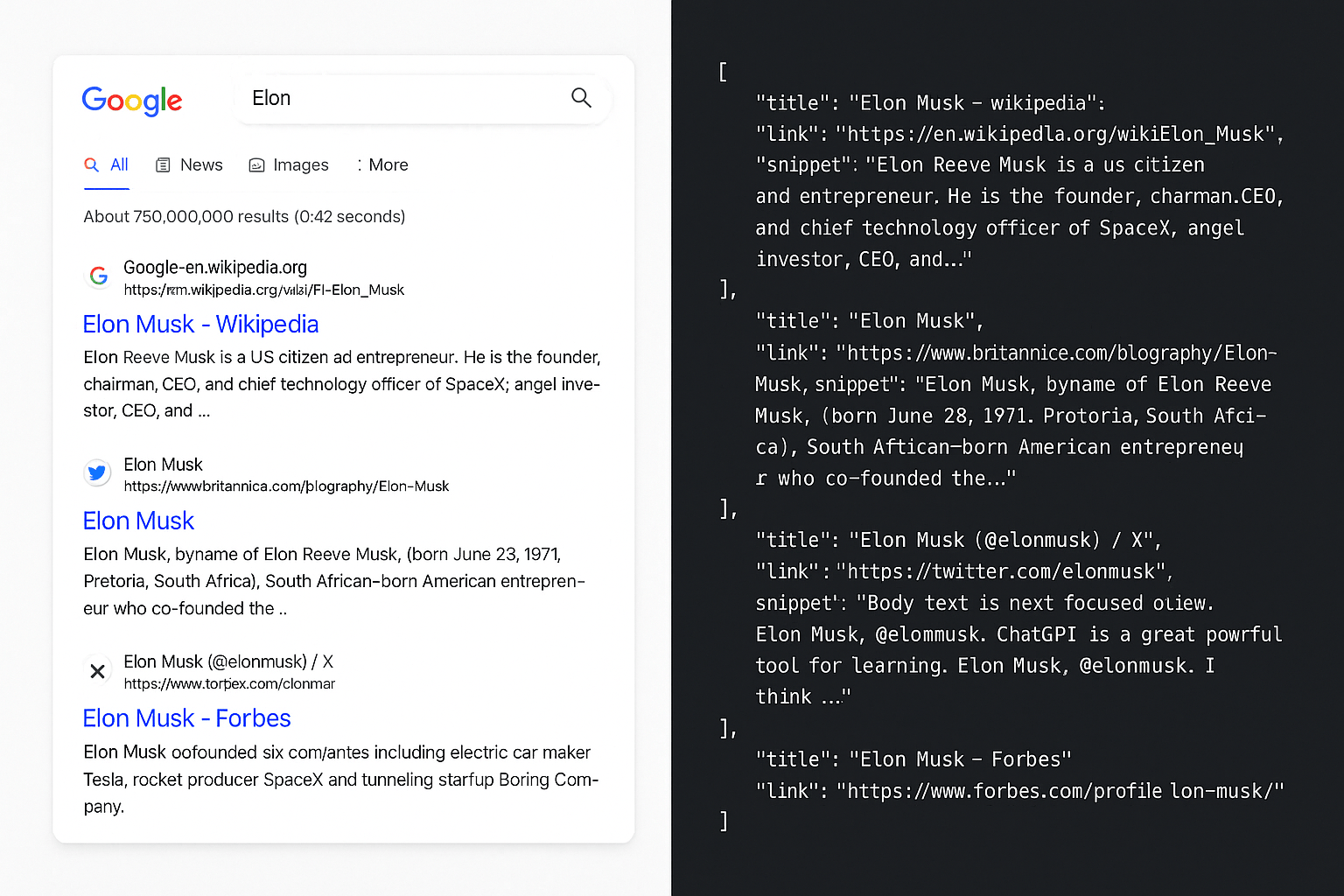
Google has tightened how search results load for bots—JavaScript gates, redirects, and the loss of the num=100 parameter broke many SERP scrapers overnight.
That leaves SEO tools, rank trackers, and data pipelines stuck unless you adapt:
- Why Google now blocks plain HTTP crawlers on search pages
- The AdsBot user-agent workaround that returns HTML without a headless browser
- How to parse titles, links, and snippets from the response with Cheerio
If you rely on Google data, a broken scraper means stale rankings and wasted proxy spend.
In this guide, you’ll learn:
- What changed in Google’s lockdown on search results
- How to fetch SERPs with the AdsBot-Google user-agent
- A practical parsing pattern for titles, URLs, and snippets
- Why this matters for SEO workflows and bulk search data
Here’s the workaround in practice.
Google’s Lockdown on Search Results
Over the last few months, Google rolled out a couple of major changes:
JavaScript requirement for search results If you try visiting Google search pages without JavaScript, you might see something like this instead of real results: This forces bots into a dead end unless they run a full browser.
<meta content="0;url=/httpservice/retry/enablejs?sei=QtvSaN8zop6-vQ_B1dvwDQ" http-equiv="refresh" /> <div style="display: block"> Please click <a href="/httpservice/retry/enablejs?sei=QtvSaN8zop6-vQ_B1dvwDQ">here</a> if you are not redirected within a few seconds. </div>
The removal of the num parameter
For years, SEOs relied on &num=100 to grab 100 results per query. That parameter is now gone. Tools like Ahrefs and Semrush even had public issues when this broke. Search Engine Land covered the update here. Translation: Google is making it harder to scrape. Much harder.
The Workaround: Using the AdsBot User-Agent
First, shoutout to Jacob Padilla for figuring this out and telling me about it.
The good news? There’s still a way around the JavaScript wall.
When you send requests to Google with this user agent, the normal HTML SERP is returned, no redirect required:
"User-Agent": "AdsBot-Google (+http://www.google.com/adsbot.html)"
This tricks Google into thinking you’re their own AdsBot crawler, which is allowed to fetch results directly.
Parsing the Results
Once you bypass the redirect, you can parse Google’s search results like before. Here’s an example of how I extract titles, links, and snippets from the returned HTML.
This works without needing Puppeteer or a headless browser. Faster, cheaper, and less resource-intensive.
function adriansParseResults(html) {
  try {
    const $ = cheerio.load(html);
    const results = [];
    const seenUrls = new Set();

    // Select all a tags that are direct children of any element
    const links = $("*:has(> a) > a").filter((_, el) => {
      // its grabbing the 2nd a tag when it should be grabbing the first
      const url = $(el).attr("href");
      if (url?.includes("x.com")) {
        // the structure of the html is different for x.com
        return $(el).parent().children("span").length === 2;
      }

      return $(el).children("span").length === 2;
    });

    links.each((_, el) => {
      const rawUrl = $(el).attr("href");

      let url = decodeURIComponent(
        rawUrl.startsWith("/url?q=")
          ? rawUrl.split("&")[0].replace("/url?q=", "")
          : rawUrl
      );

      url = url?.split("?")?.[0];

      if (seenUrls.has(url) || url === "/search") {
        return;
      }
      seenUrls.add(url);

      let title = $(el).find("span")?.first()?.text()?.trim();

      if (url?.includes("x.com")) {
        title = $(el).parent().find("span")?.first()?.text()?.trim();
      }

      const description = $(el)
        ?.parent()
        ?.parent()
        ?.find("table")
        ?.first()
        ?.text()
        ?.trim();

      results.push({ url, title, description });
    });

    return results;
  } catch (error) {
    console.log("error at adriansParseResults", error.message);
    throw new Error(error.message);
  }
}
Why This Matters for SEOs and Scrapers
- SEO tools need reliable access to SERPs for keyword research and rank tracking.
- Scraping projects depend on bulk data collection.
- Developers want efficient ways to analyze search results without spinning up costly browser clusters.
Bypassing these blocks keeps your workflows running smoothly.
Final Thoughts
Google keeps making scraping harder, and they’ll keep experimenting with new restrictions. But with the right techniques, you can stay one step ahead.
If you’re looking for easy social media scraping APIs (Instagram, TikTok, YouTube, Reddit, Twitter/X, and more), check out Scrape Creators. We handle the messy parts of scraping so you don’t have to.