
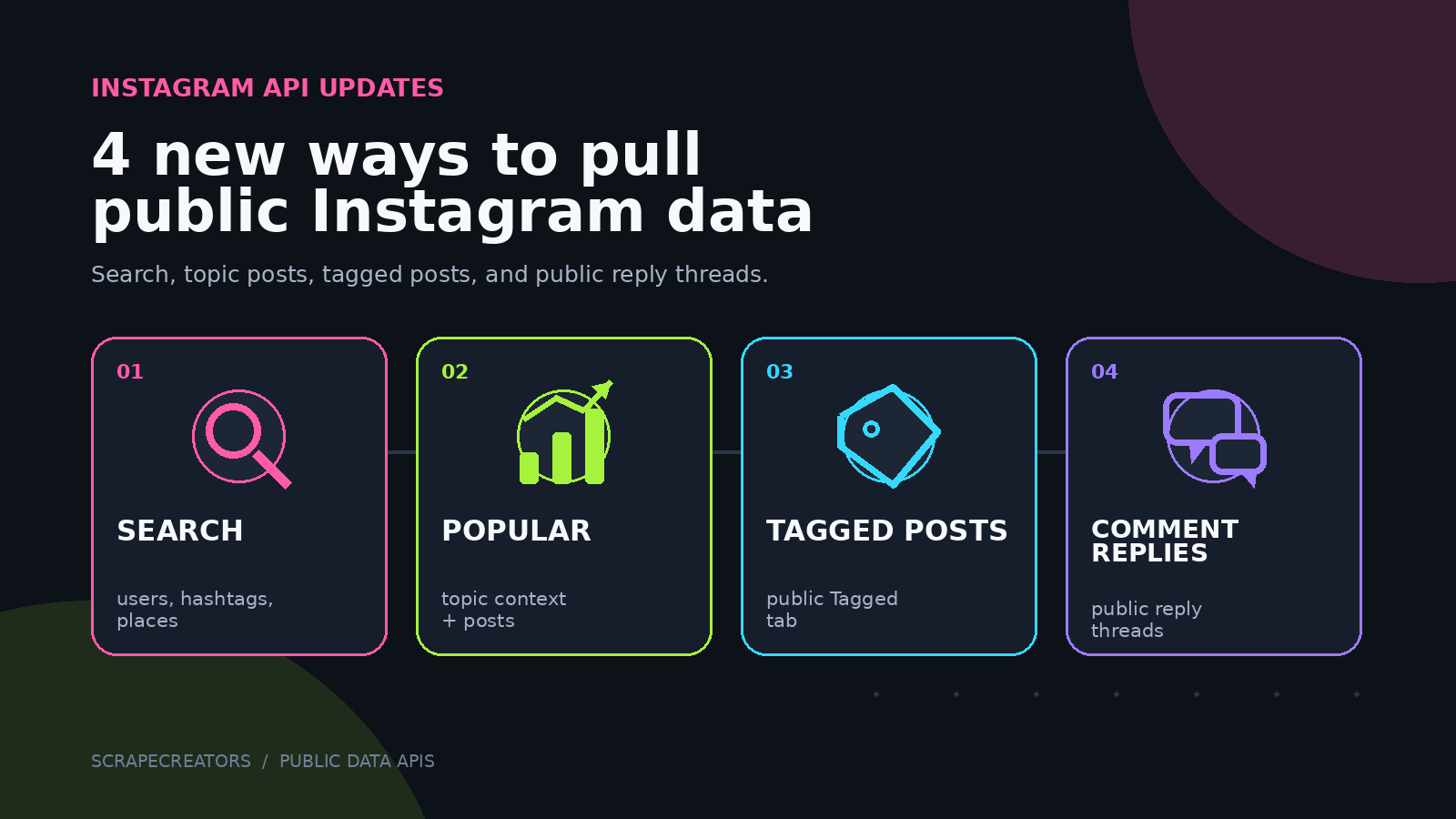
We shipped four Instagram API updates at the end of July: native search, Popular topic search, user tagged posts, and public comment replies.
They solve different jobs. Native search is good for finding accounts and entities. Popular Search returns topic context and posts. Tagged Posts pulls the public Tagged tab for one user. Comment Replies lets you move past top-level comments and collect the public conversation underneath them.
The four updates
| What you need | Endpoint | Main input | Pagination |
|---|---|---|---|
| Users, hashtags, places, and keyword suggestions from Instagram search | GET /v1/instagram/search | query | One page only |
| Instagram-curated topic context and posts | GET /v1/instagram/search/popular | query | Opaque cursor |
| Public posts from a user’s Tagged tab | GET /v1/instagram/user/tagged-posts | user_id | cursor |
| Public replies under one comment | GET /v1/instagram/post/comment/replies | url, comment_id | cursor |
All four use public data. Pass your ScrapeCreators API key in the x-api-key header.
Native Instagram search
The new Instagram Search API uses Instagram’s public native search rather than Google-indexed pages. One query can return ranked users, hashtags, places, and keyword suggestions.
curl --request GET \
  --url 'https://api.scrapecreators.com/v1/instagram/search?query=nike' \
  --header 'x-api-key: YOUR_API_KEY'
The response groups matches into users, hashtags, places, and keywords. User matches include fields such as username, full name, verification status, profile image, and position. Hashtag matches can include a numeric media count.
This endpoint returns one page. It does not return posts. Use it when you want Instagram’s own ranked lookup for an account, hashtag, or place.
That distinction matters. If you search for basketball, Native Search can help identify related accounts, hashtags, and places. It is not the endpoint for collecting basketball posts.
Popular topic search with posts
The Instagram Popular Search API scrapes the public /popular/{query} page. It returns the topic page Instagram has assembled, including posts.
curl --request GET \
  --url 'https://api.scrapecreators.com/v1/instagram/search/popular?query=basketball' \
  --header 'x-api-key: YOUR_API_KEY'
On the first page, the response can include:
- Topic title and numeric
total_media_count - Instagram’s generated description and cited source URLs
- Suggested search terms
- Public posts with captions, media URLs, play counts, and owner data when available
- An opaque cursor for the next page
Pass the returned cursor with the same query to continue:
curl --request GET \
  --url 'https://api.scrapecreators.com/v1/instagram/search/popular?query=basketball&cursor=CURSOR_FROM_LAST_RESPONSE' \
  --header 'x-api-key: YOUR_API_KEY'
Later pages focus on the posts and pagination fields. Each successful Popular Search request costs 1 credit.
Popular Search is useful for topic research because it gives you both Instagram’s generated context and the posts it chose for the public topic page. It is not a complete firehose of every post containing a word.
Posts a user is tagged in
A user’s own timeline and their Tagged tab answer different questions. The Instagram User Tagged Posts API pulls public posts in which the user was tagged.
curl --request GET \
  --url 'https://api.scrapecreators.com/v1/instagram/user/tagged-posts?user_id=325734299' \
  --header 'x-api-key: YOUR_API_KEY'
The endpoint uses the numeric Instagram user_id, not the username. You can get that ID from the Instagram Profile endpoint.
Each page returns up to 10 flat post objects. Fields can include shortcode, caption, media type, likes, comments, views, media URLs, owner data, and the public Instagram URL. Keep passing cursor until has_more is false.
Tagged posts are handy for public UGC research, sponsorship checks, event coverage, and finding posts about a brand that did not appear on the brand’s own timeline. A tag is not proof of a paid relationship or endorsement, so keep that claim out of any automated report unless the post says it directly.
Public comment replies
Top-level comments miss a lot of the useful conversation. A customer may ask a question, the creator may answer it, and other people may add context beneath that first comment.
There are now two ways to collect those public replies.
Get replies for one comment
Use the Comment Replies endpoint when you already know the parent comment you care about.
curl --request GET \
  --url 'https://api.scrapecreators.com/v1/instagram/post/comment/replies?url=https%3A%2F%2Fwww.instagram.com%2Freel%2FC8rKmYvsrck&comment_id=18038110327814211' \
  --header 'x-api-key: YOUR_API_KEY'
Get comment_id from the Instagram Comments API. The reply response includes public reply text, timestamps, engagement counts, the parent comment ID, user details, and cursor pagination.
This is the better choice when you only need a few threads. You avoid requesting replies for every top-level comment.
Include replies for every returned comment
Set include_replies=true on the Comments endpoint when you want the first page of replies attached to every returned comment.
curl --request GET \
  --url 'https://api.scrapecreators.com/v2/instagram/post/comments?url=https%3A%2F%2Fwww.instagram.com%2Freel%2FDOq6eV6iIgD&include_replies=true' \
  --header 'x-api-key: YOUR_API_KEY'
This adds child_comment_count, replies, replies_cursor, and has_more_replies where Instagram exposes them.
There is an important pricing and latency tradeoff: include_replies=true always costs 15 credits. You are still charged 15 credits when no replies are returned because the API performs separate reply lookups for the comments. It is much slower than a normal comments request and may hit the 29-second timeout.
Use the bulk option when the full thread structure matters. Use the single-comment endpoint when you can shortlist parent comments first.
Which Instagram search endpoint should you use?
Instagram search is not one thing. Pick the endpoint based on the result you actually need.
| Goal | Best endpoint | What to expect |
|---|---|---|
| Find a known account, hashtag, or place in Instagram’s own results | Native Search | One ranked page, no posts |
| Explore a topic and collect Instagram-curated posts | Popular Search | Topic context, suggested terms, posts, cursor |
| Find Google-indexed posts for an exact hashtag | Hashtag Search | Best-effort indexed posts, date filters, pagination |
| Discover profiles from indexed bios and captions | Profile Search | Broader discovery, best-effort Google index |
| Find only Google-indexed Reels by keyword | Reels Search | Reels, date filters, page-based pagination |
The native endpoints reflect what Instagram exposes publicly. The Google-backed endpoints are useful for broader discovery, but they depend on what Google has indexed and should not be treated as complete datasets.
A practical research workflow
For topic and creator research, a clean workflow looks like this:
- Run Native Search to identify the right account, hashtag, or place.
- Run Popular Search when you need public posts and Instagram’s topic context.
- Pull a creator’s profile to resolve the numeric user ID.
- Check Tagged Posts for public posts that live outside the creator’s own feed.
- Pull top-level comments, then fetch replies only for the threads that matter.
- Save the source URL and collection time beside every conclusion.
That last step keeps the output auditable. Public social data changes, posts disappear, and counts move.
The broader Instagram API includes endpoints for profiles, posts, Reels, followers, comments, transcripts, search, and more. You can create an API key with 100 free credits and test these endpoints without a credit card.


